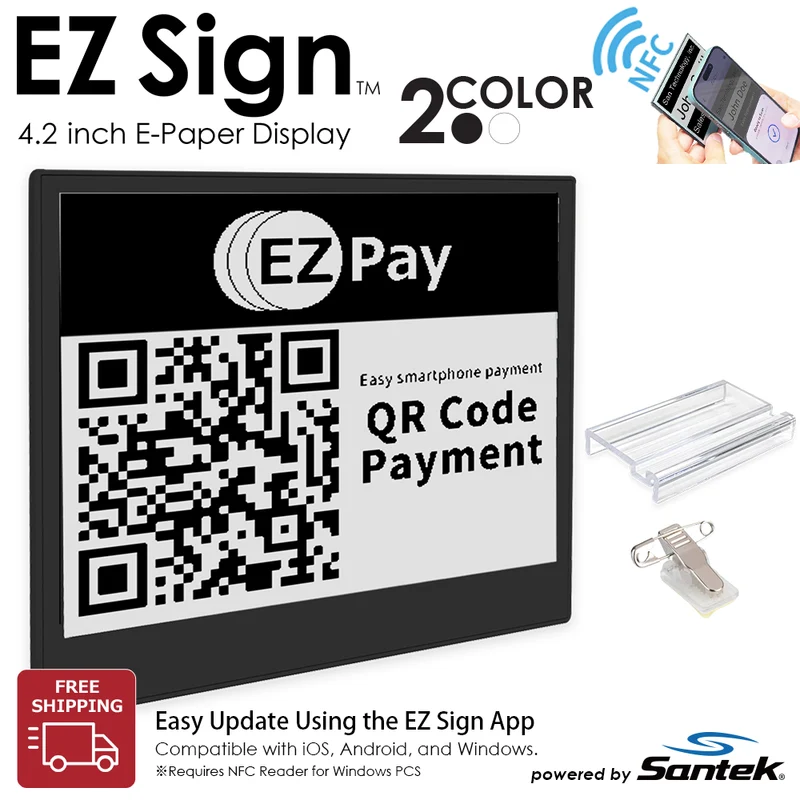
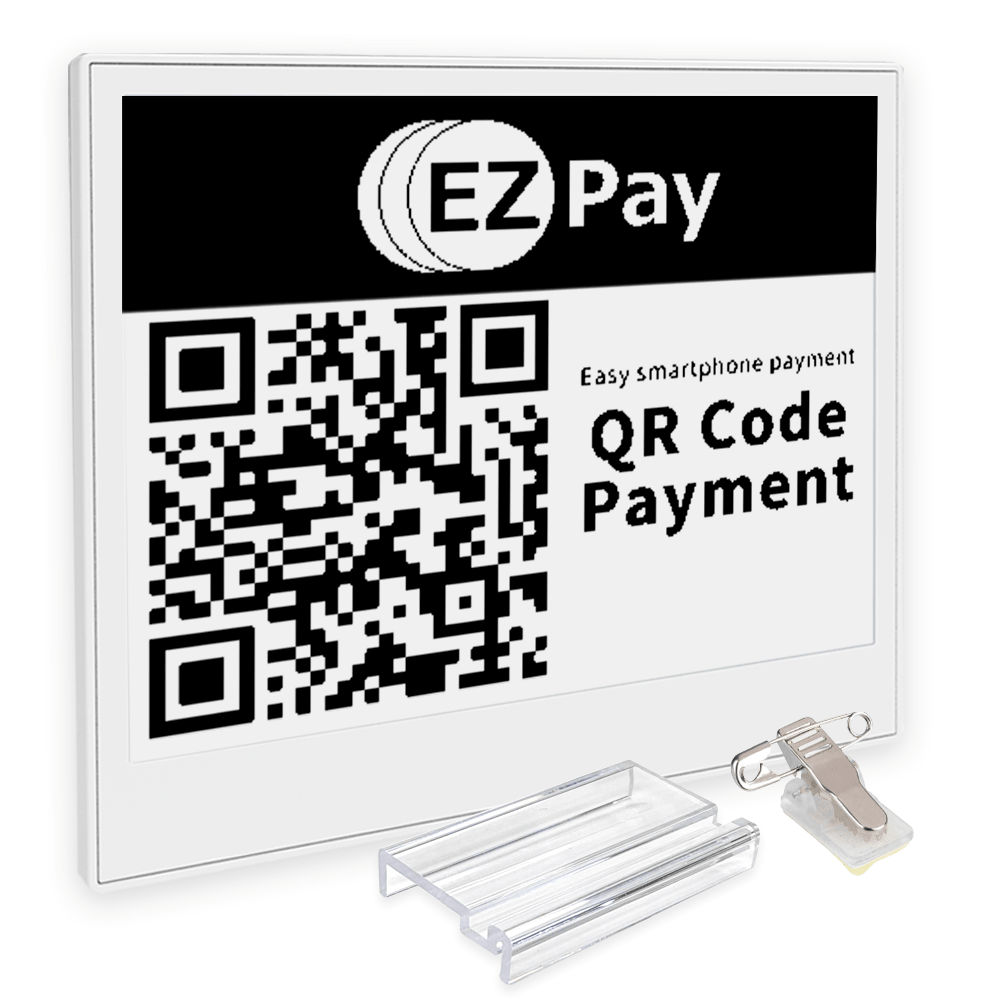
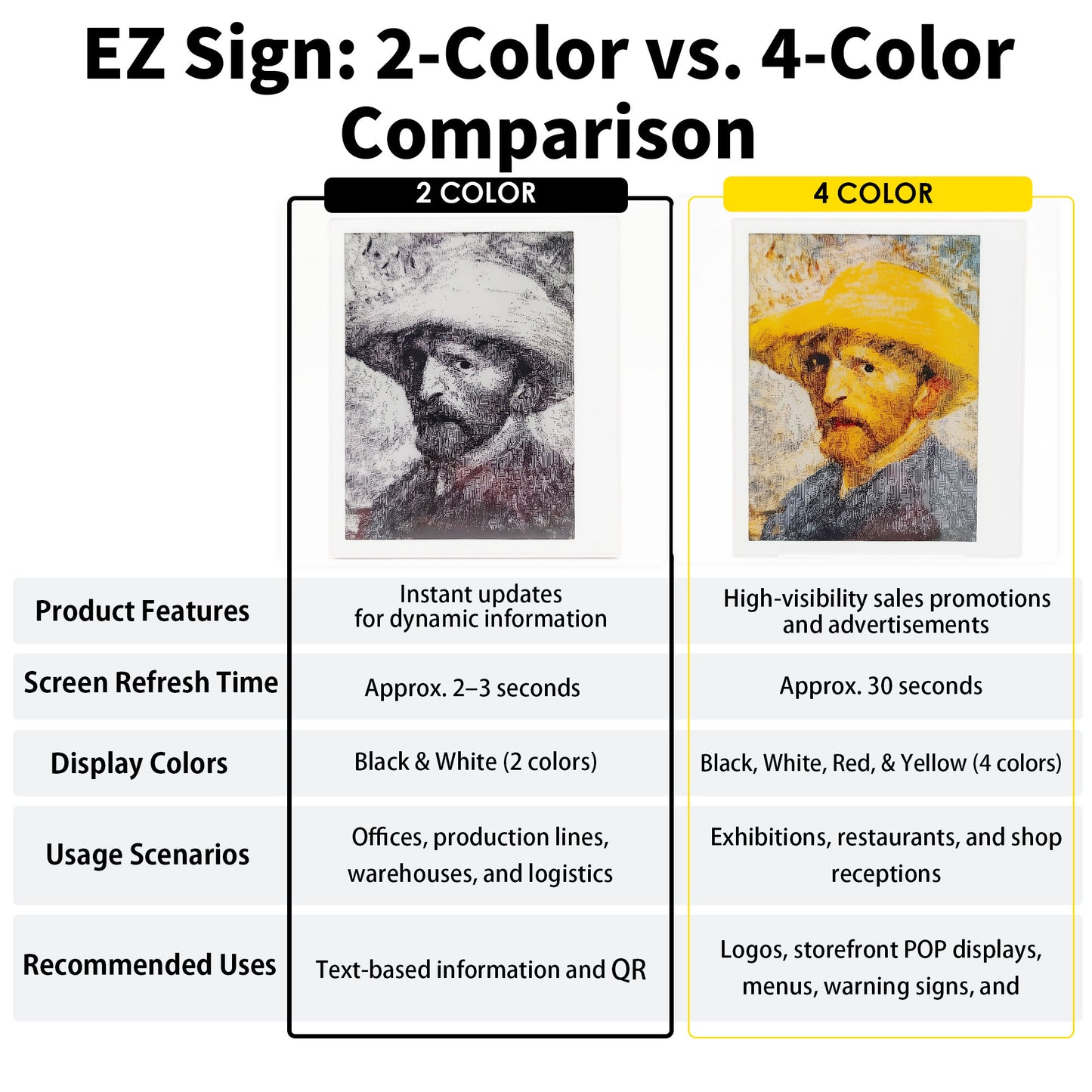
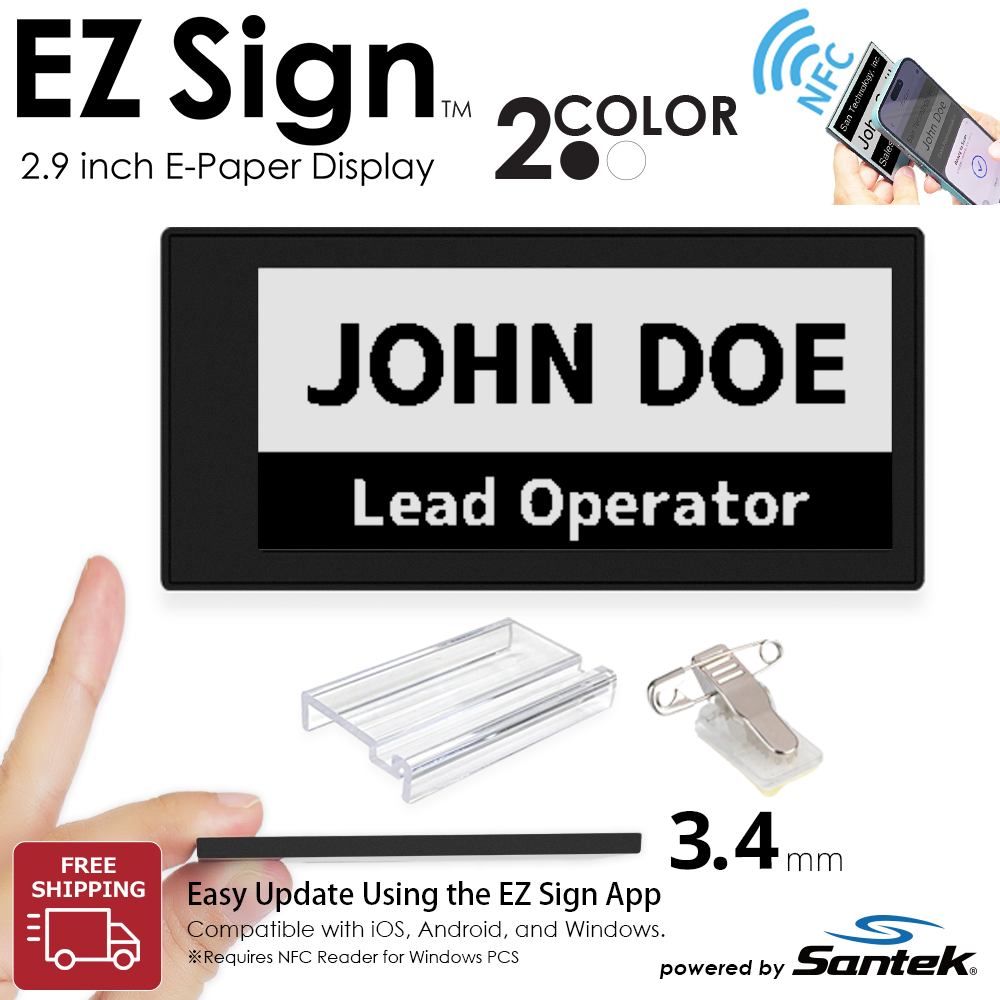
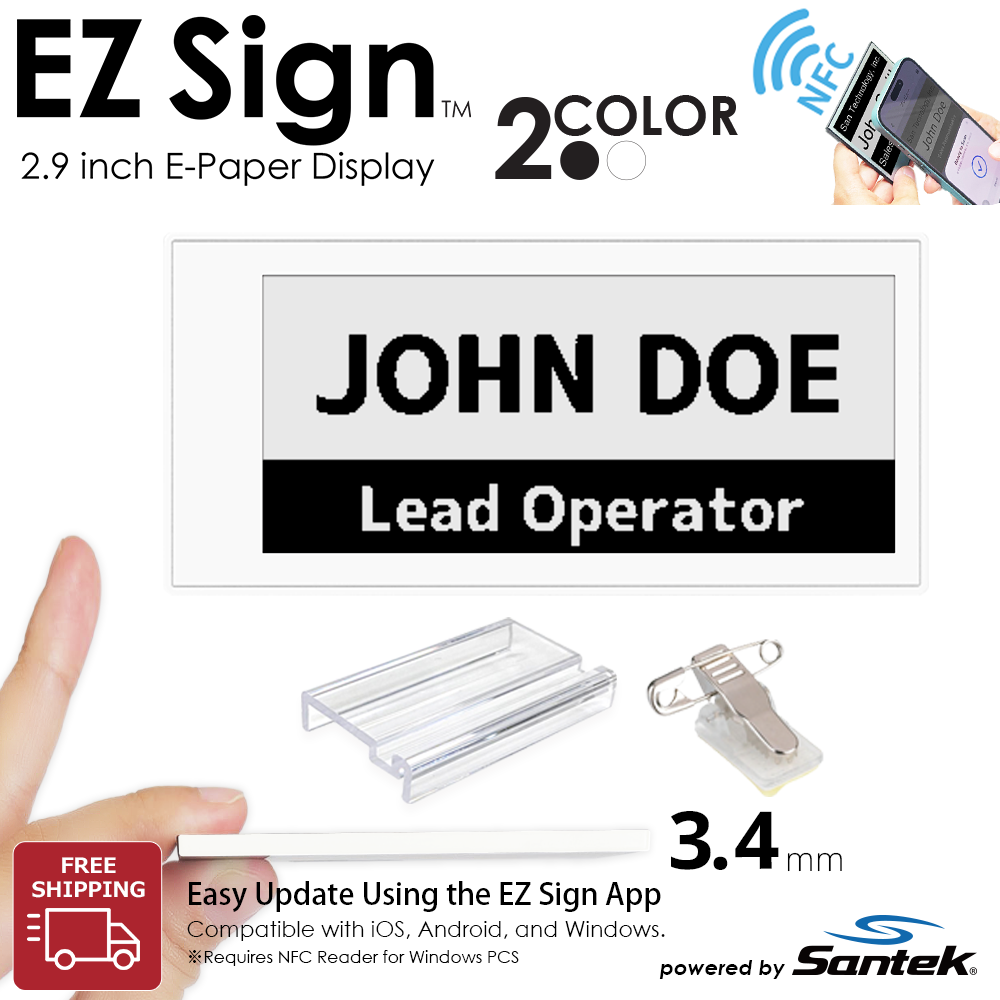
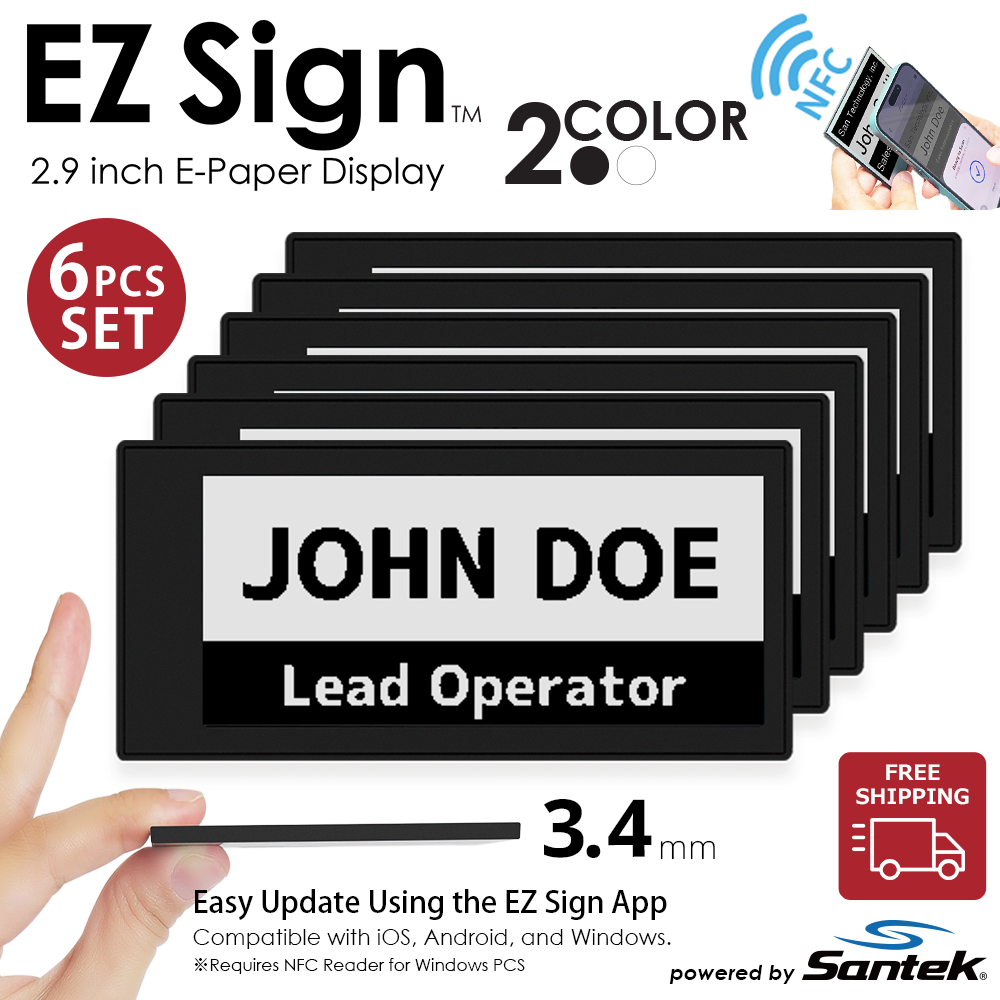
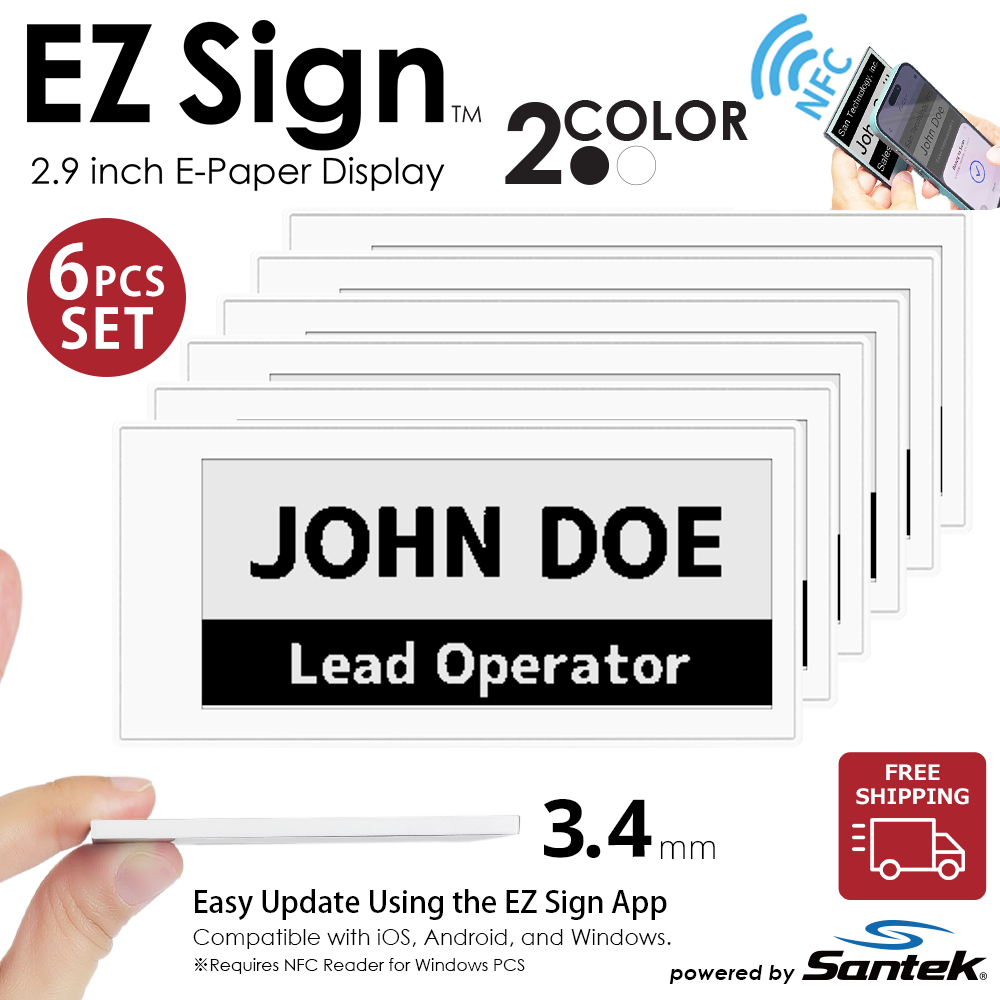
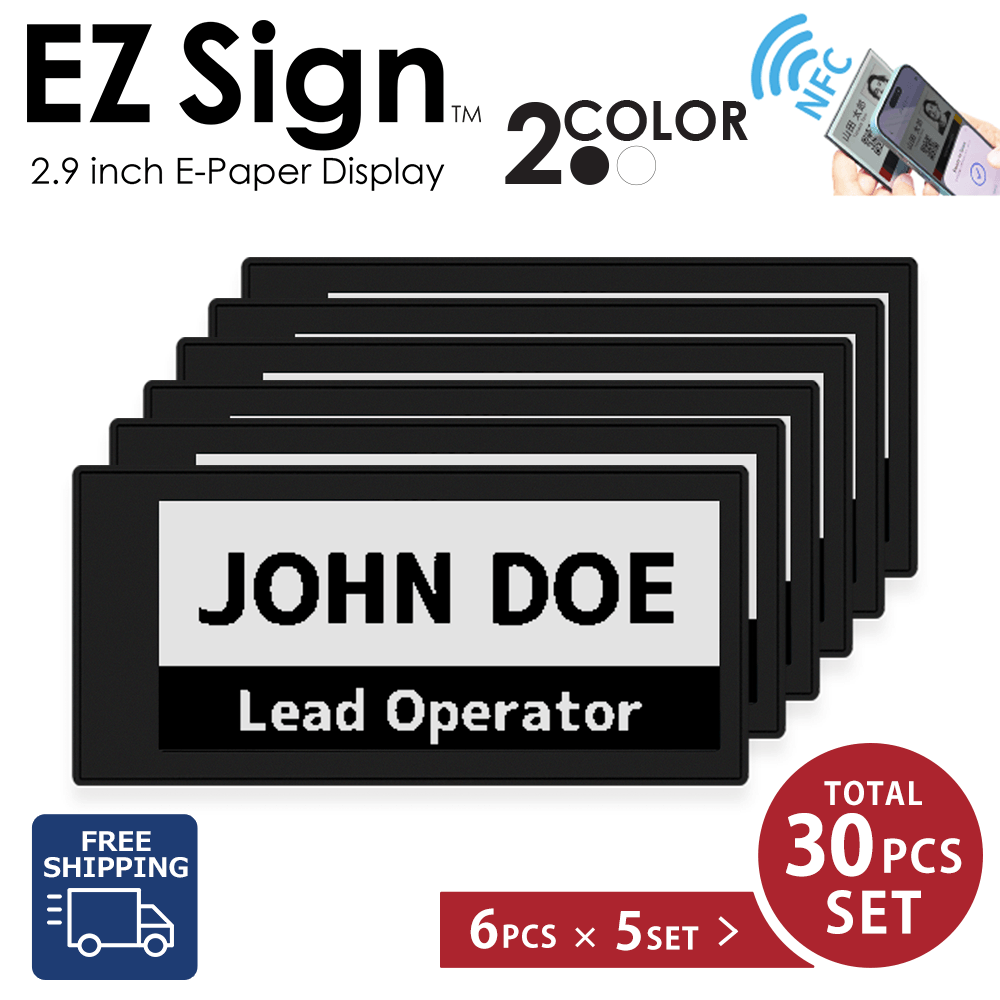
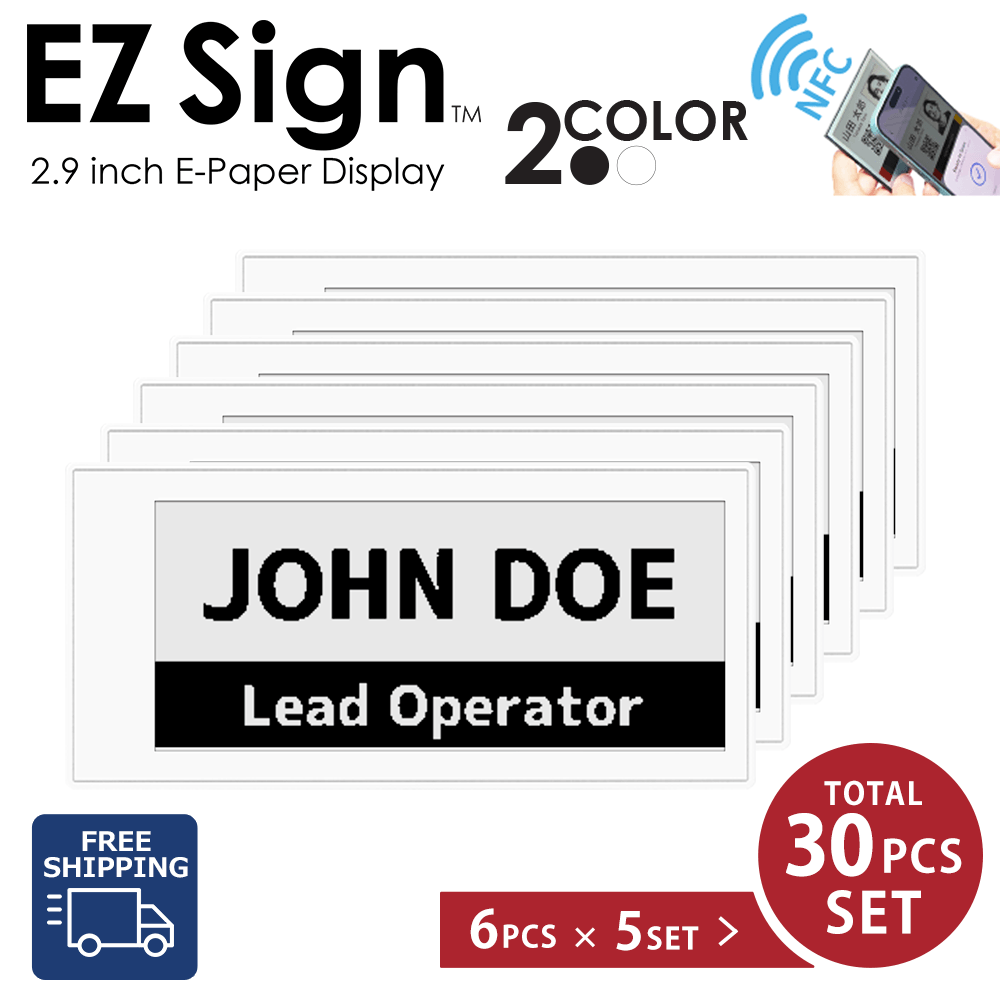
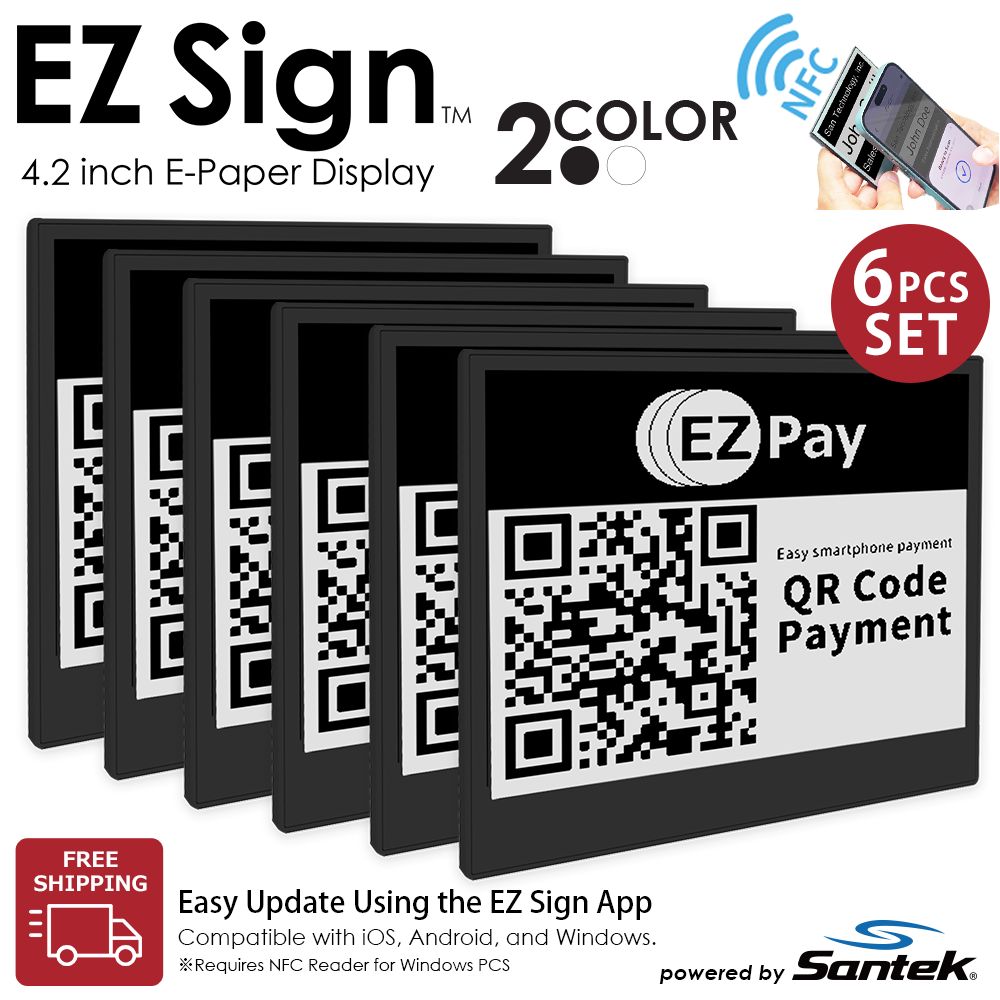
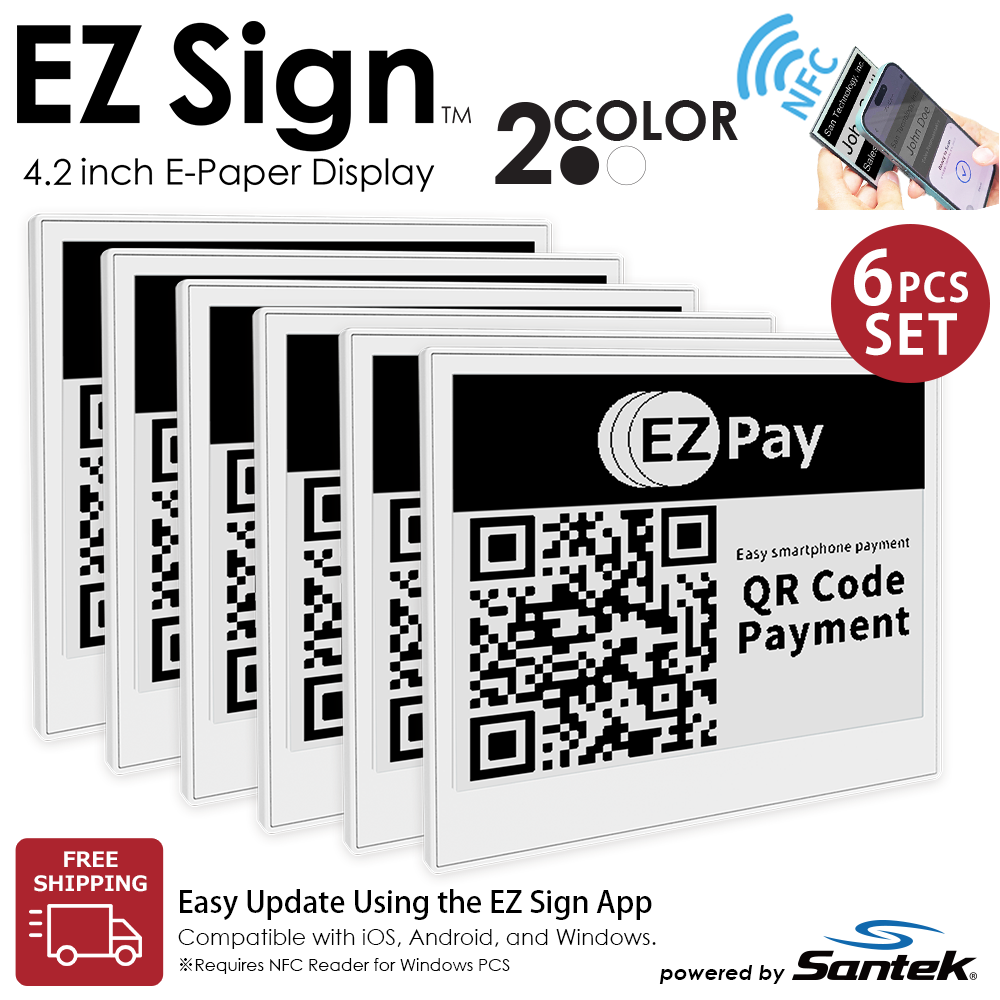
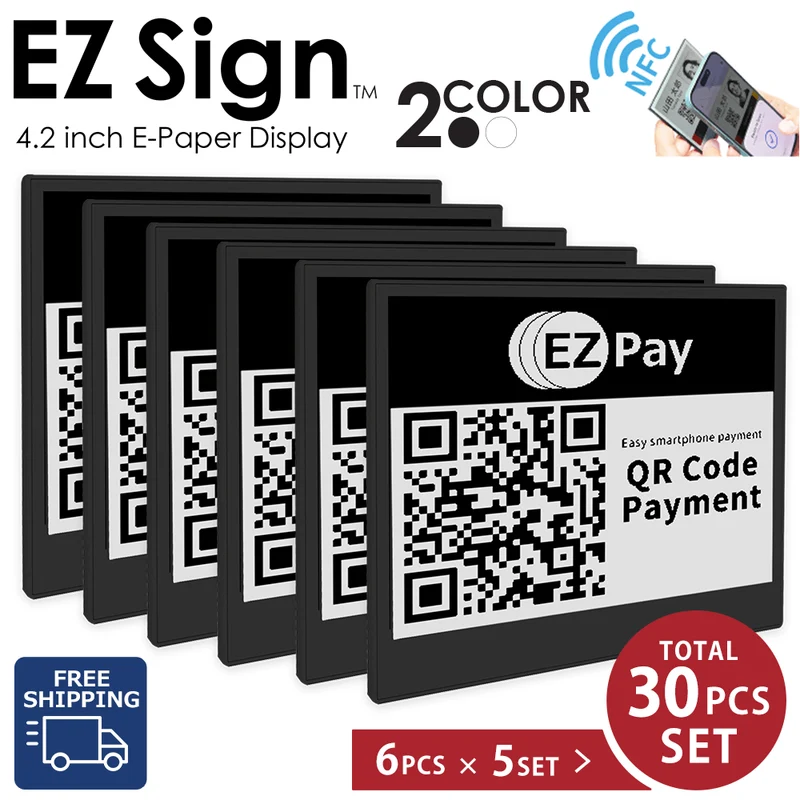
2-Color models are designed for fast updates and information-focused applications.
They are particularly well suited for:
- QR codes and barcodes
- Text-based information
- Inventory labels
- Process management in factories and warehouses
- Back-of-house operations
- Business and equipment labels
Choose a 2-Color model when speed and practicality are your top priorities.
|
2-Color Model Black & White This page |
4-Color Model Black, White, Red & Yellow |
|
|---|---|---|
| Update Time | Approx. 2-3 seconds | 約Approx. 30 seconds |
| Ideal For | QR codes, text, operational labels, frequent updates | POP displays, information signs, notices, reception signs |
| Key Strengths | Fast updates and information density | Visual impact and color-coded information |
| Recommended For | Factories, warehouses, back-of-house operations, frequently changing information | Retail stores, offices, reception areas, events |
| 2.9-inch | 4.2-inchPuppular | |
|---|---|---|
| Ideal For | Price tags, shelf labels, inventory labels | Tabletop signs, reception displays, POP displays |
| Key Feature | Compact and space-saving | Larger display area for easier-to-read information |
| Recommended For | Retail, warehouses, factories | Offices, reception areas, information displays |
| 1-Piece Package Included Accessories |
6-Piece Package | |
|---|---|---|
| What's Included | 1 × EZ Sign + 1 × Stand + 1 × Clip | 6 × EZ Sign |
| Best For | Trying EZ Sign for the first time | Deploying multiple displays |
| Recommended Use | Personal use, testing, pilot projects | Factories, warehouses, facilities, and multi-location deployments |
We offer volume quotations, samples, and use-case consultations for business customers. →Business inquiry
Multiple Payment Options
Credit cards, Shop Pay, PayPal, Google Pay, and more.
Initial Defect Warranty
If your product arrives with a manufacturing defect, we will review the issue and provide appropriate support.
Customer Support
Get help through our FAQ・Email・Contact Us page.
Buy Direct from the Manufacturer
Purchase EZ Sign directly from the manufacturer at our official pricing.
※For a complete list of media features, please visit the EZ Sign Official Website
What Is EZ Sign® NFC E-Paper Display?
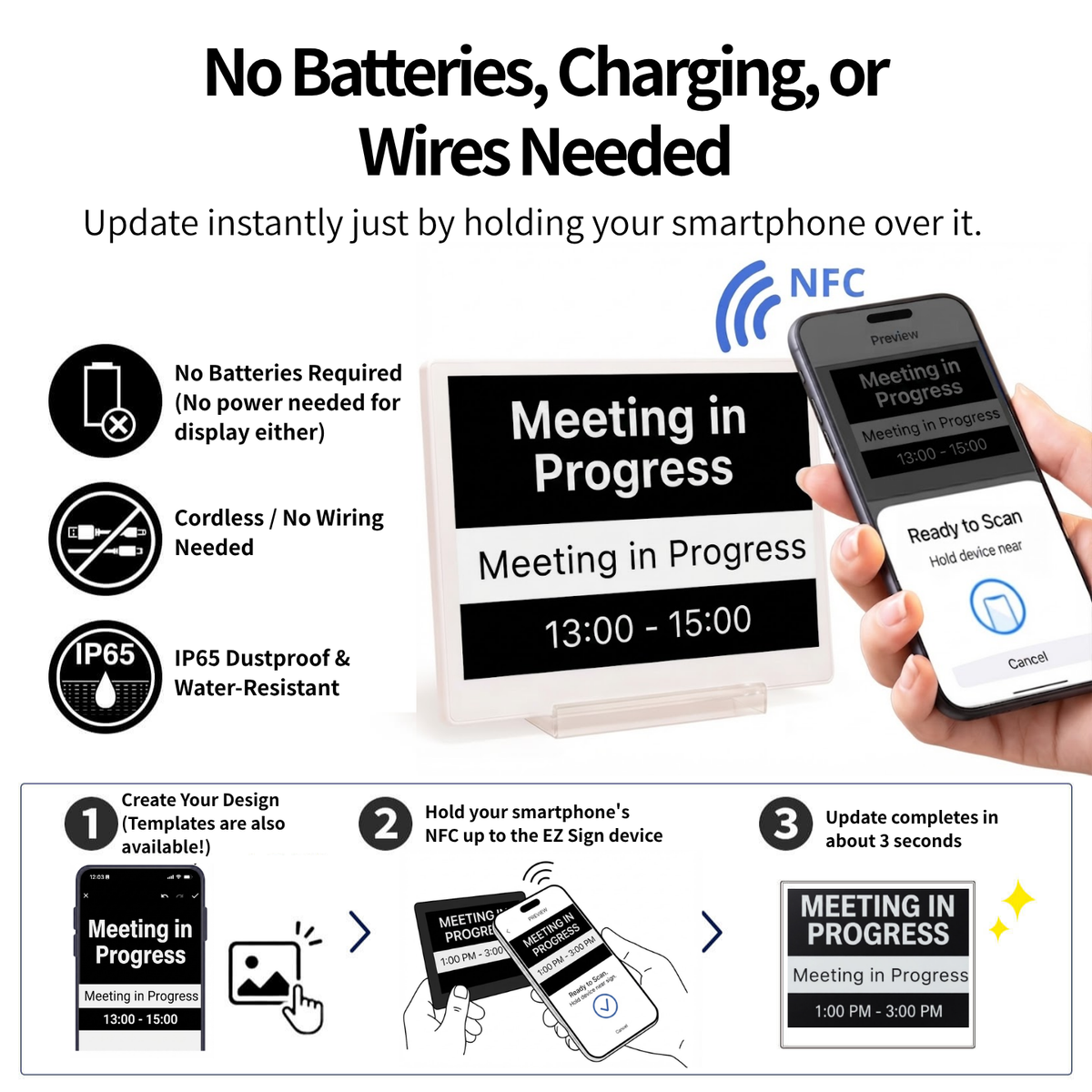
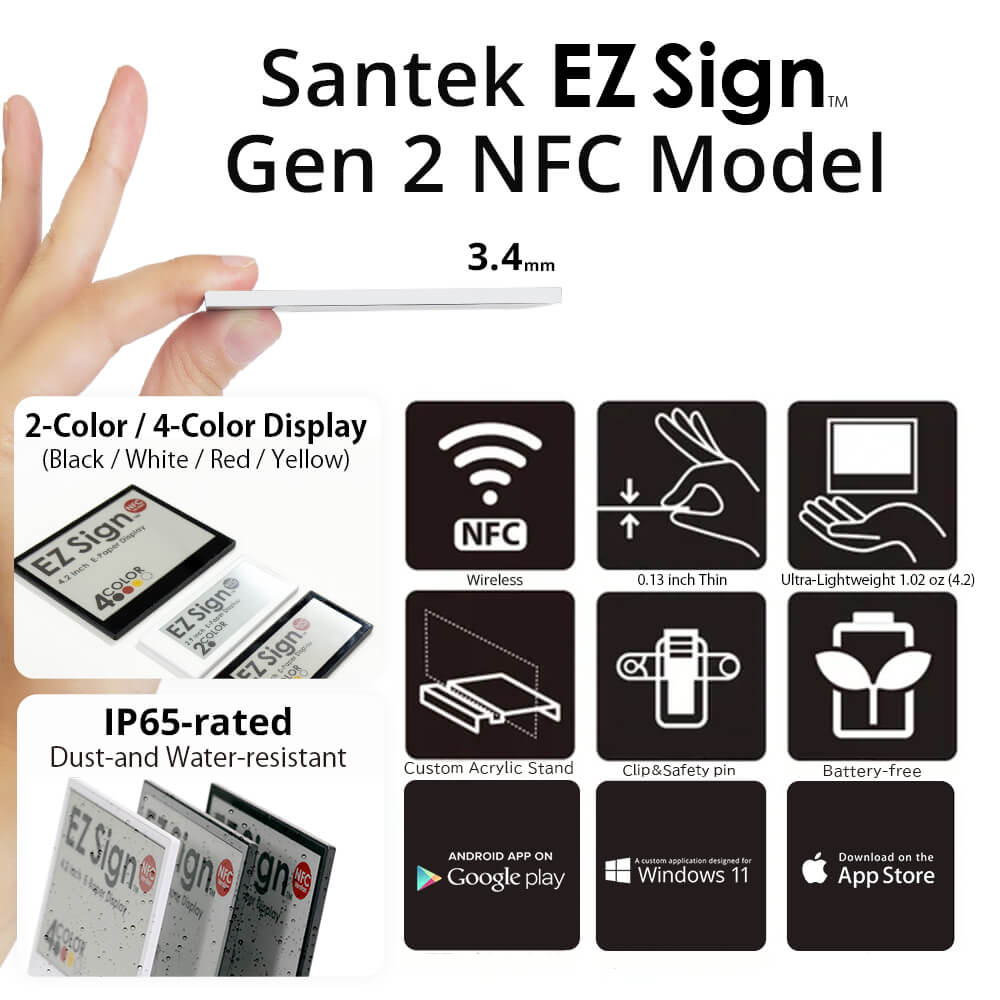
EZ Sign® is a battery-free E-paper display that can be updated simply by tapping an NFC-enabled smartphone to the device.
Because the display retains its image without continuous power, there is no need for cables or battery replacement.
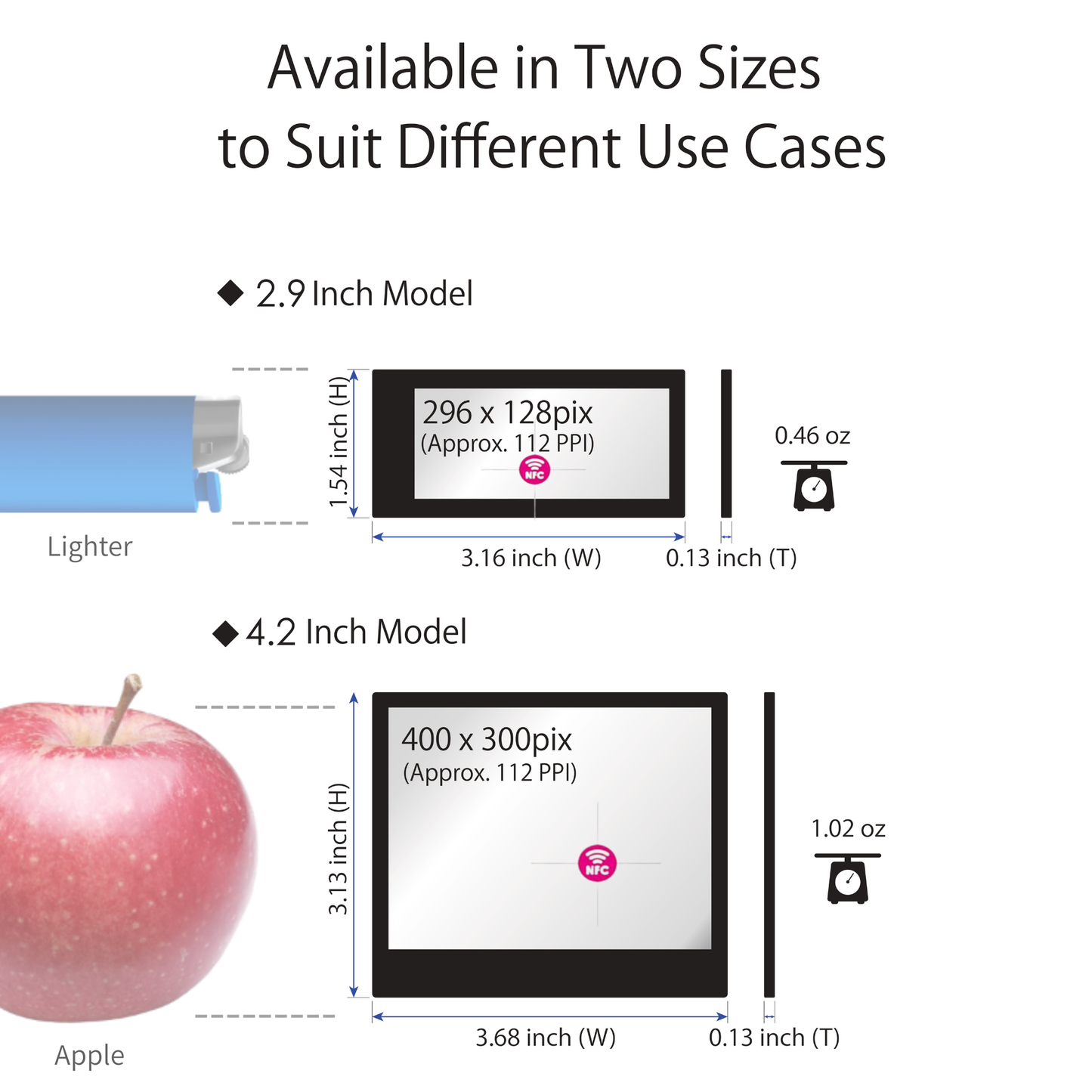
Available in 2.9-inch and 4.2-inch sizes, EZ Sign 2-Color models display information in black and white.
With an IP65-equivalent rating for dust and water resistance, EZ Sign can be used in a wide range of environments, including retail stores, offices, factories, warehouses, back-of-house areas, and medical facilities.
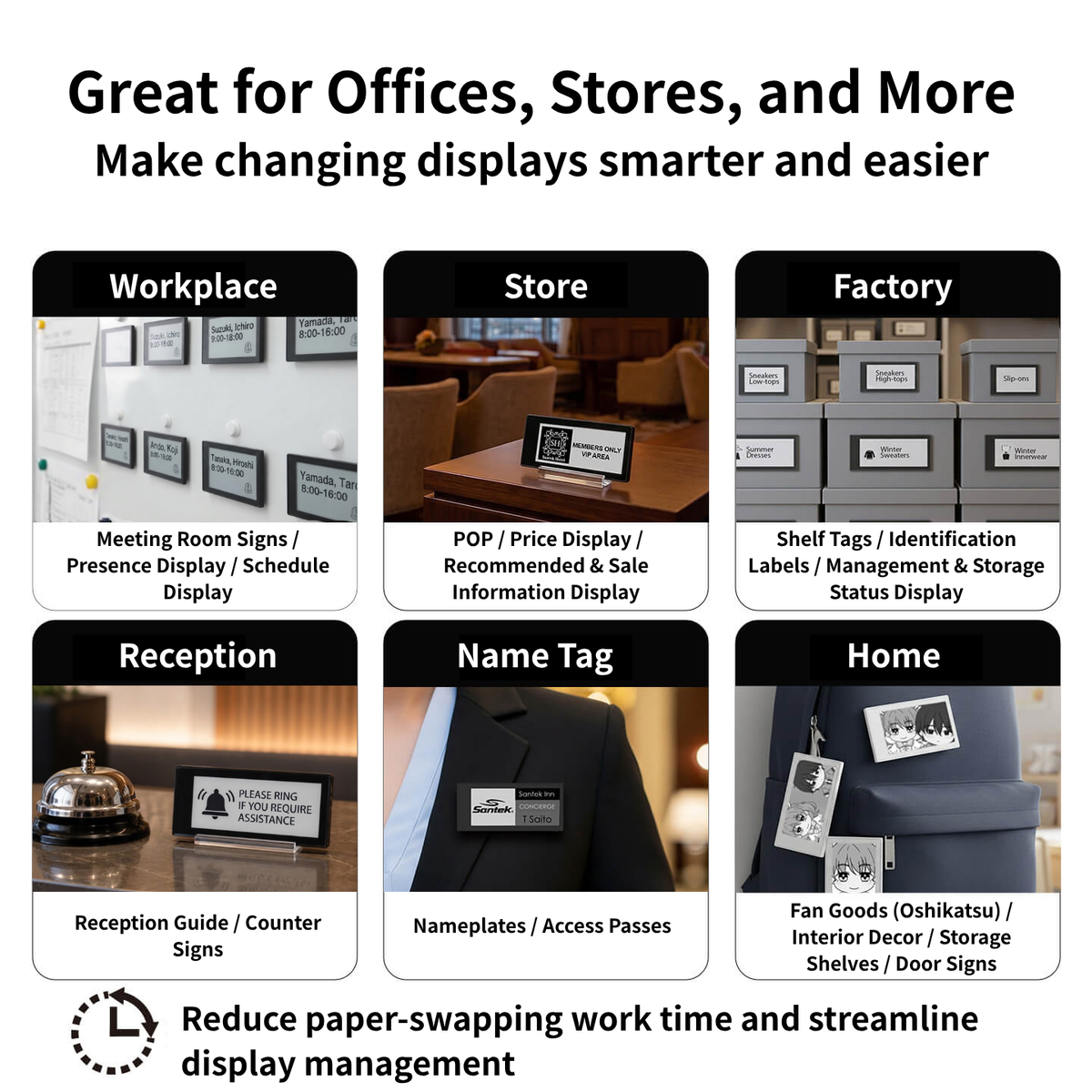
Key Applications
Office & Reception
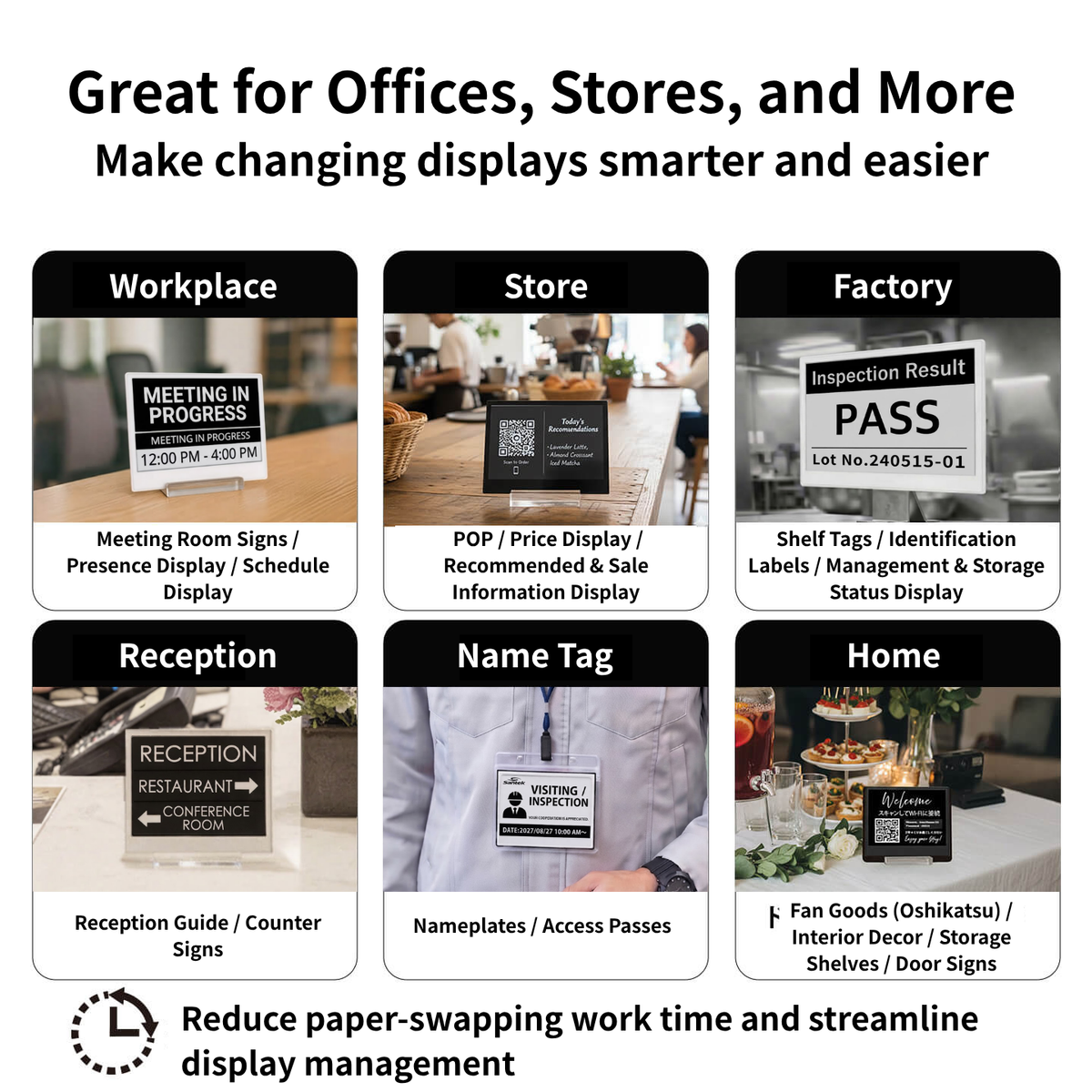
Name badges, meeting-room signs, reception information, staff names, and hot-desk management.
Retail & Sales
Price tags, shelf labels, name tags, POP displays, menu boards, and promotional information.
Factories & Warehouses
Process labels, inventory labels, operational labels, and other information displays—even in dusty or splash-prone environments.
Events & Facilities
Staff name badges, reception signs, directional information, and event signage that can be updated instantly when staff or information changes.
Update Your Display with Just a Tap
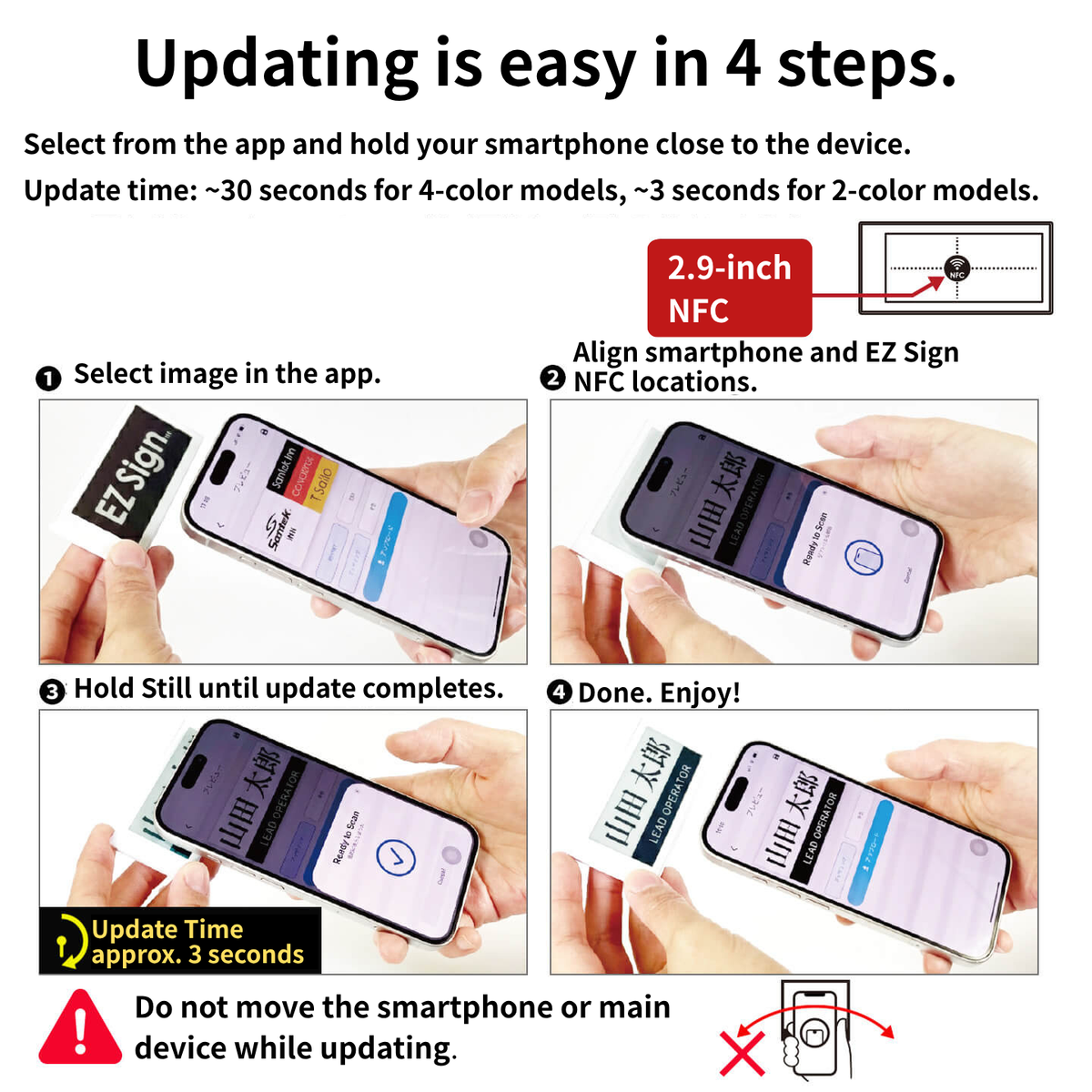
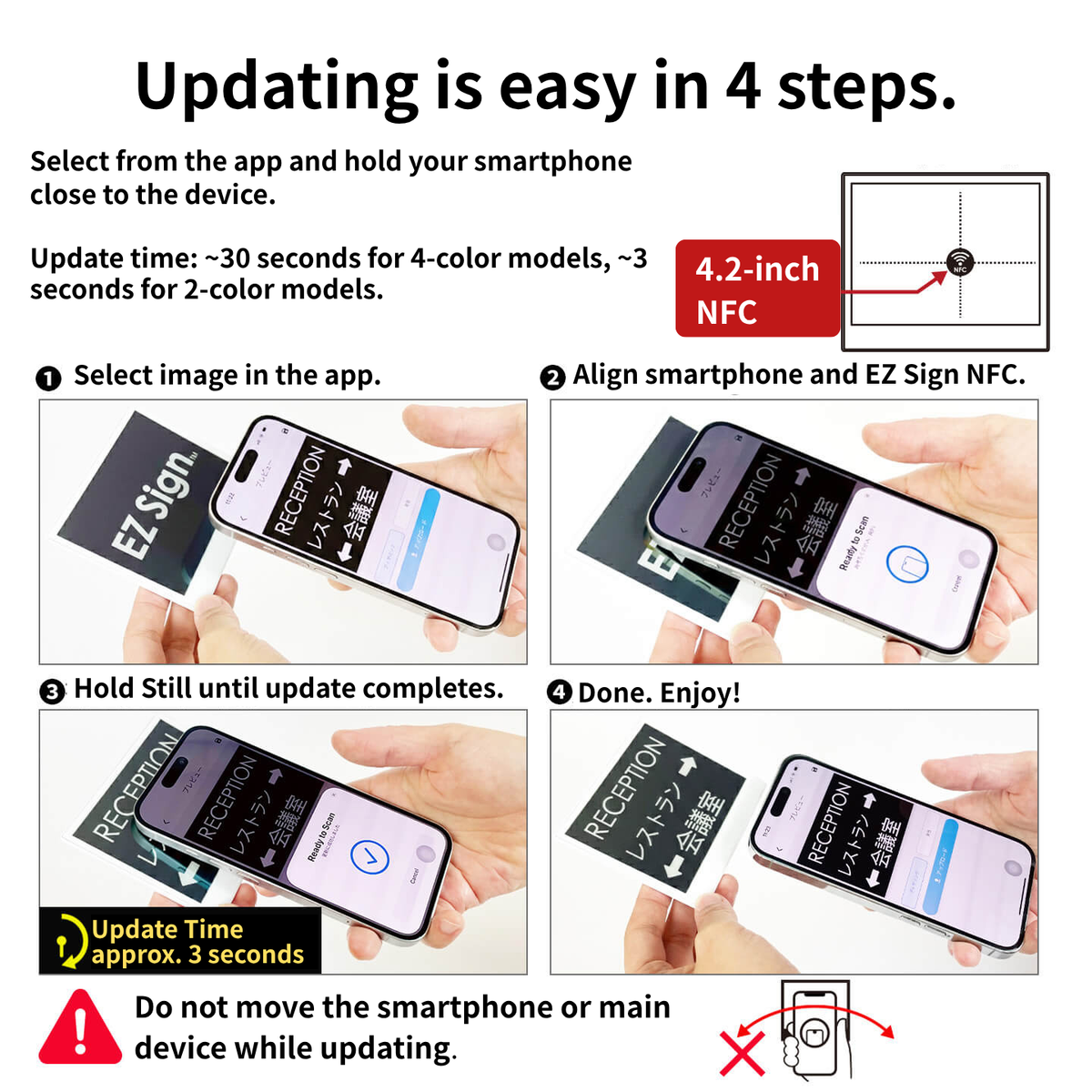
Create your content in the EZ Sign app, then simply tap your smartphone to the display to update it.
The power required for writing the display is supplied through NFC, so no battery is required.
Install the EZ Sign NFC App
Download the free app from the App Store for iPhone or Google Play for Android. →Download the EZ Sign app
A Windows version is also available from our website.
Create Your Design Content
Create your content using text, images (PNG/JPEG), and templates. You can also import images created with external tools such as Canva.
Tap Your Smartphone to the Display
Place the NFC area of your smartphone directly against the center of the EZ Sign and keep it in place until the update is complete.
4-Color models: approx. 30 seconds /2-Color models: approx. 2-3 secondsProduct Specifications
| Specifications | 2.9-inch | 4.2-inch |
|---|---|---|
| Display Area | 66.9 x 29.06(mm) | 84.8 x 63.6(mm) |
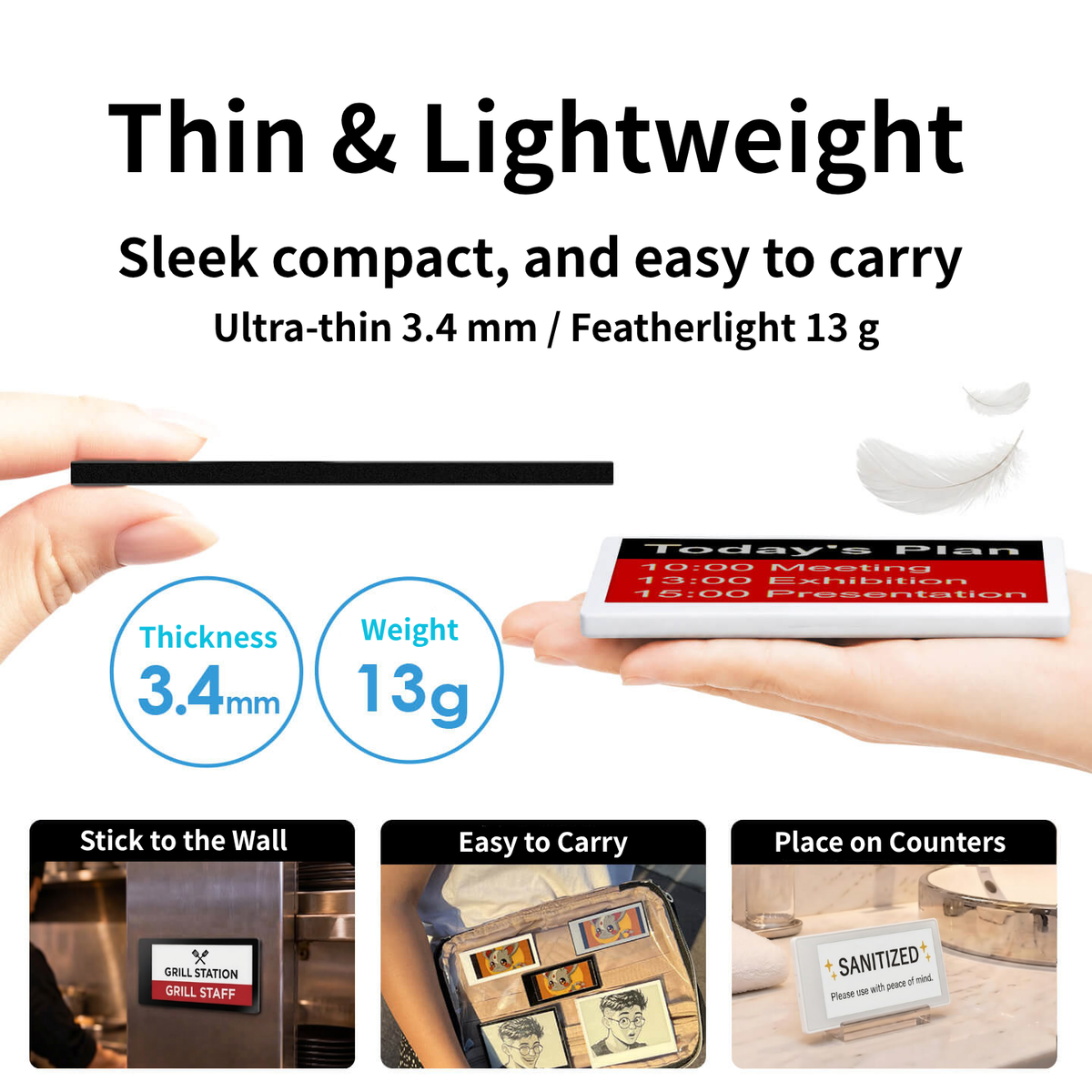
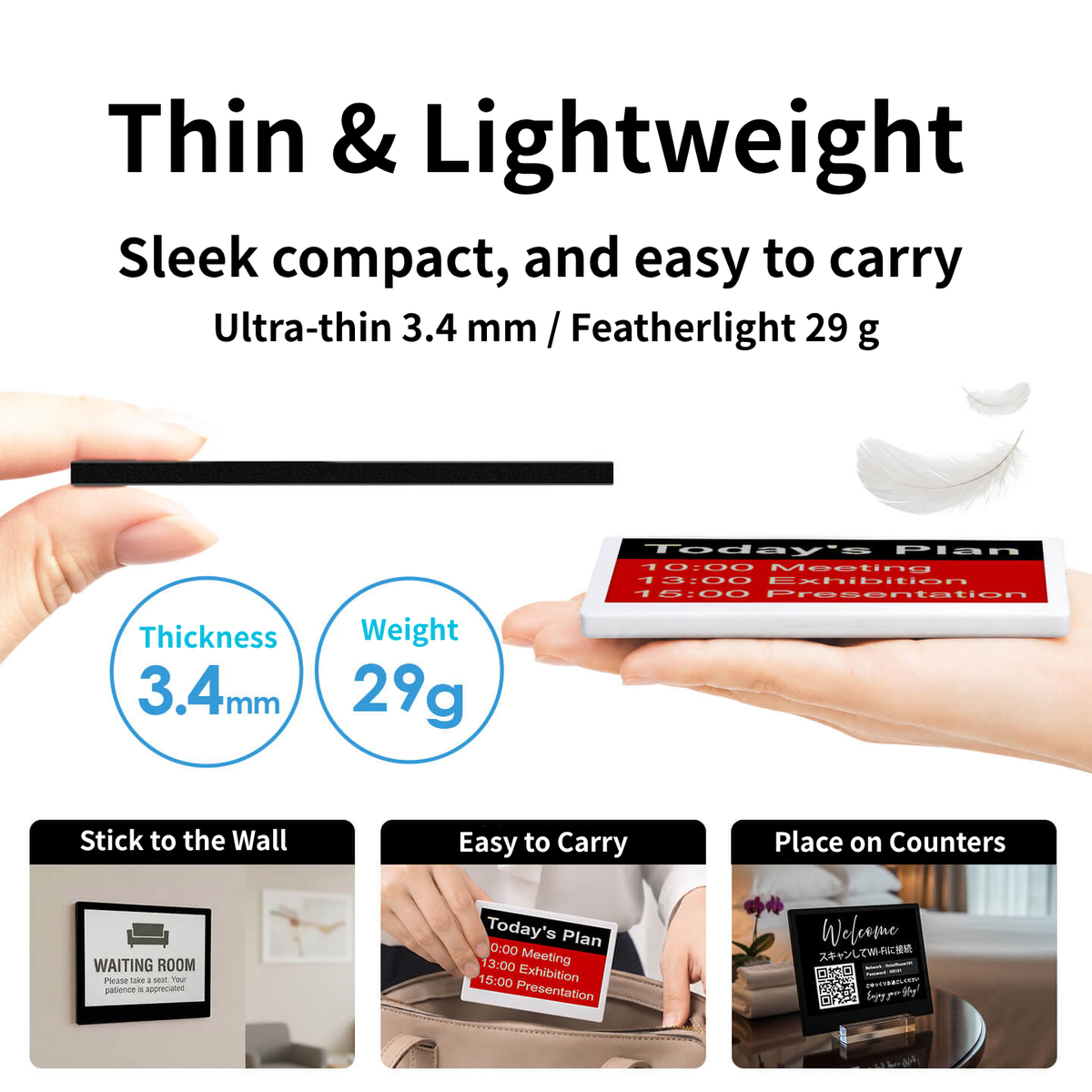
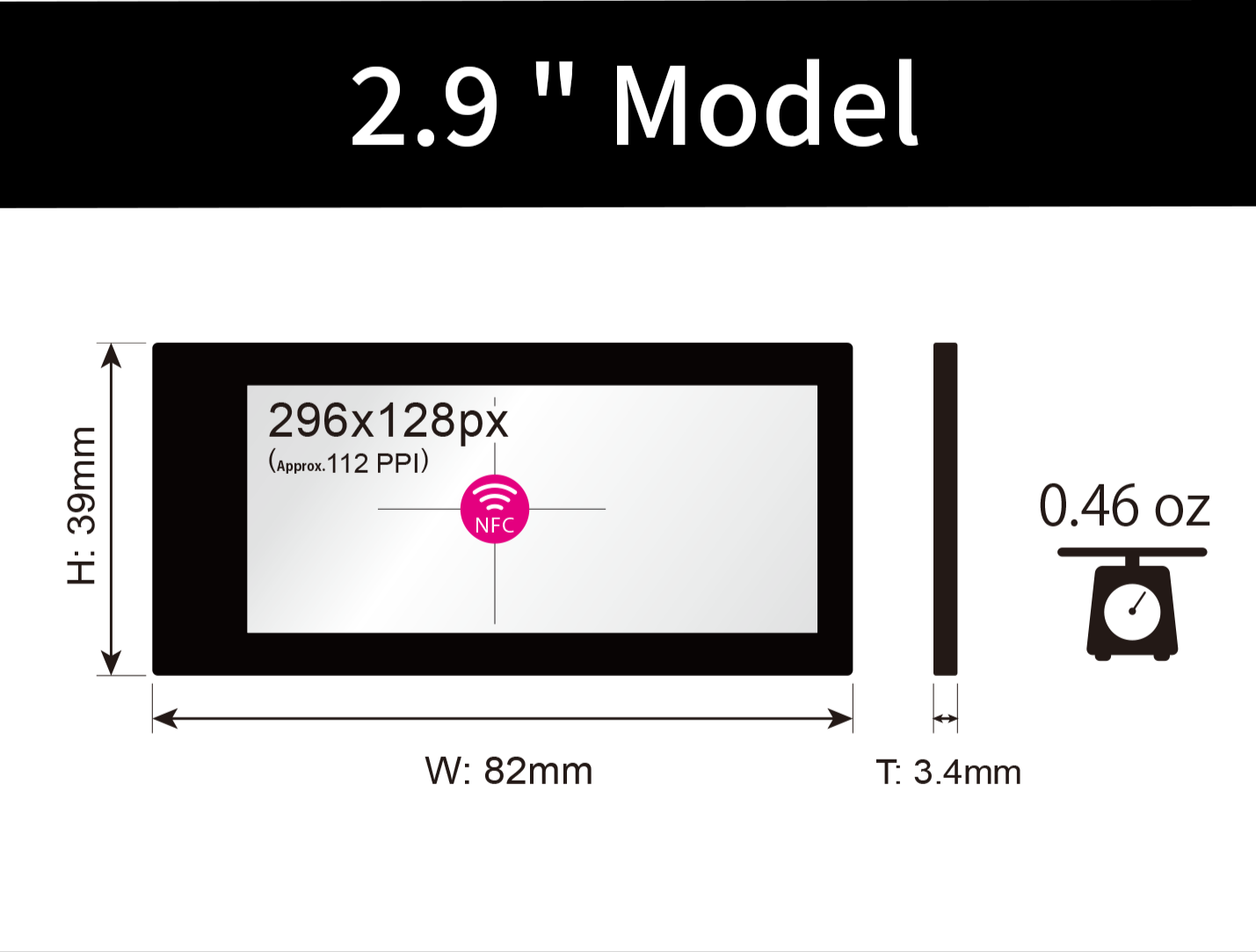
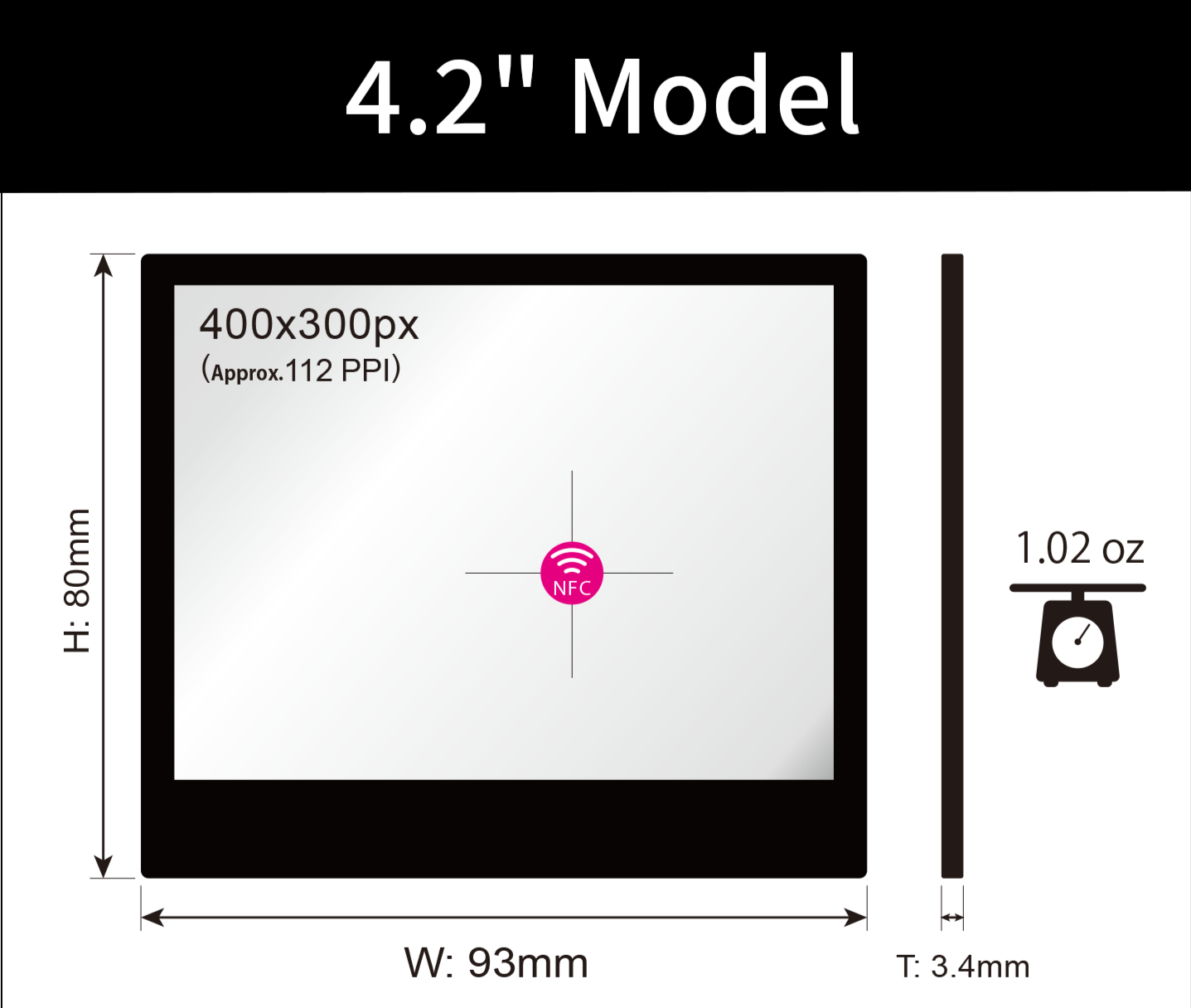
| Dimensions | 82.2 x 39 x 3.4(mm) | 93.4 x 80.3 x 3.4(mm) |
| Resolutions |
296 x 128 px (Approx.112 PPI) |
400 x 300 px (Appprox.112 PPI) |
| Weight | Approx.. 13g | Approx. 29g |
| Display Colors | Black & White | |
| Housing Colors | Black / White | |
| Update time | Approx. 3 sec. | |
| Communication | NFC | |
| Power | None | |
| Image Retention | Retains image without power | |
| Dust & Water Resistance | IP65 equivalent | |
| Operating Temperature | 0~40℃ | |
| Storage Temperature | -25〜50℃ | |
| 1-Piece Package | 1 × EZ Sign, 1 × Stand, 1 × Clip | |
| 6-Piece Package | 6 × EZ Sign (No accessories included) | |
Compatible Devices & Operating Systems
- iPhone(iOS 13 or later)
- Android(NFC-enabled devices)
-
Windows 10 or later: An external NFC reader is required for writing
Recommended NFC reader: RC-S300 by Sony
Note: iPhone users should remove their phone case when writing to EZ Sign. NFC antenna placement varies between Android devices.
For a list of tested devices, please see the EZ Sign FAQ
Important Usage Notes
⚠️ If the Display Does Not Update Correctly
If colors appear incorrect, text looks blurry, or the image appears distorted, the update may not have completed correctly.
This can happen if the smartphone moves during NFC communications. Try updating the display again.
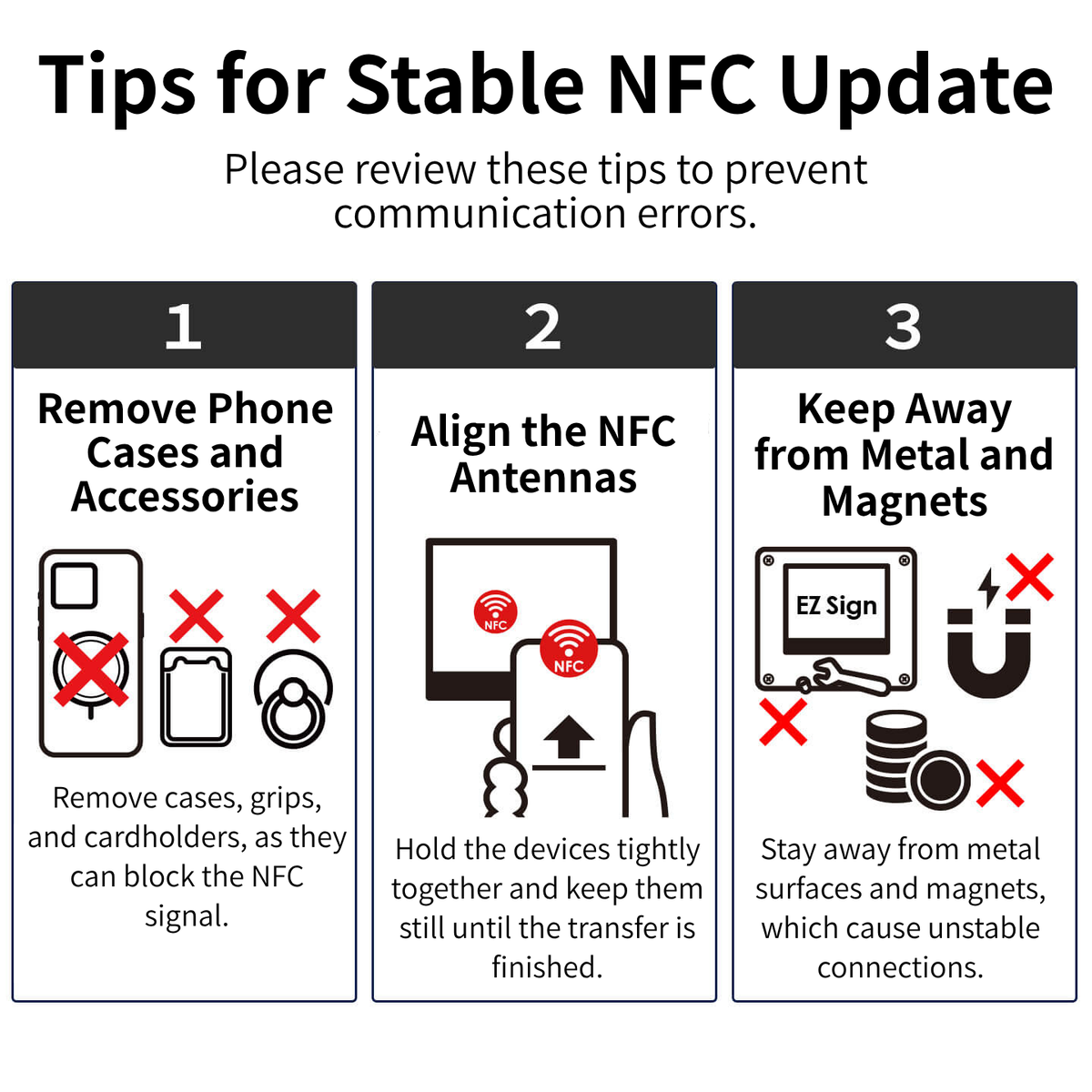
- Remove your smartphone case, especially thick cases or cases containing magnets.
- Avoid using EZ Sign near metal surfaces or strong magnets, which may interfere with NFC communication.
- Place the NFC area of your smartphone directly against the center of EZ Sign and keep it still until the update is complete.
- Try writing to EZ Sign from the back of the device as well.
- Try updating with simple, lightweight content, such as text.
- If the issue persists, please Contact us with your EZ Sign model, smartphone model, and operating system.
- If the issue continues after another update attempt, our support team will review the situation and assist you.
Google Pixel & AQUOS Users
-
Writing may be unstable on some Google Pixel models released before Pixel 8 and certain AQUOS models.
Please try another compatible device or refer to our Support page.
🚫 Situations Not Covered by the Warranty
-
The following types of damage may not be covered:
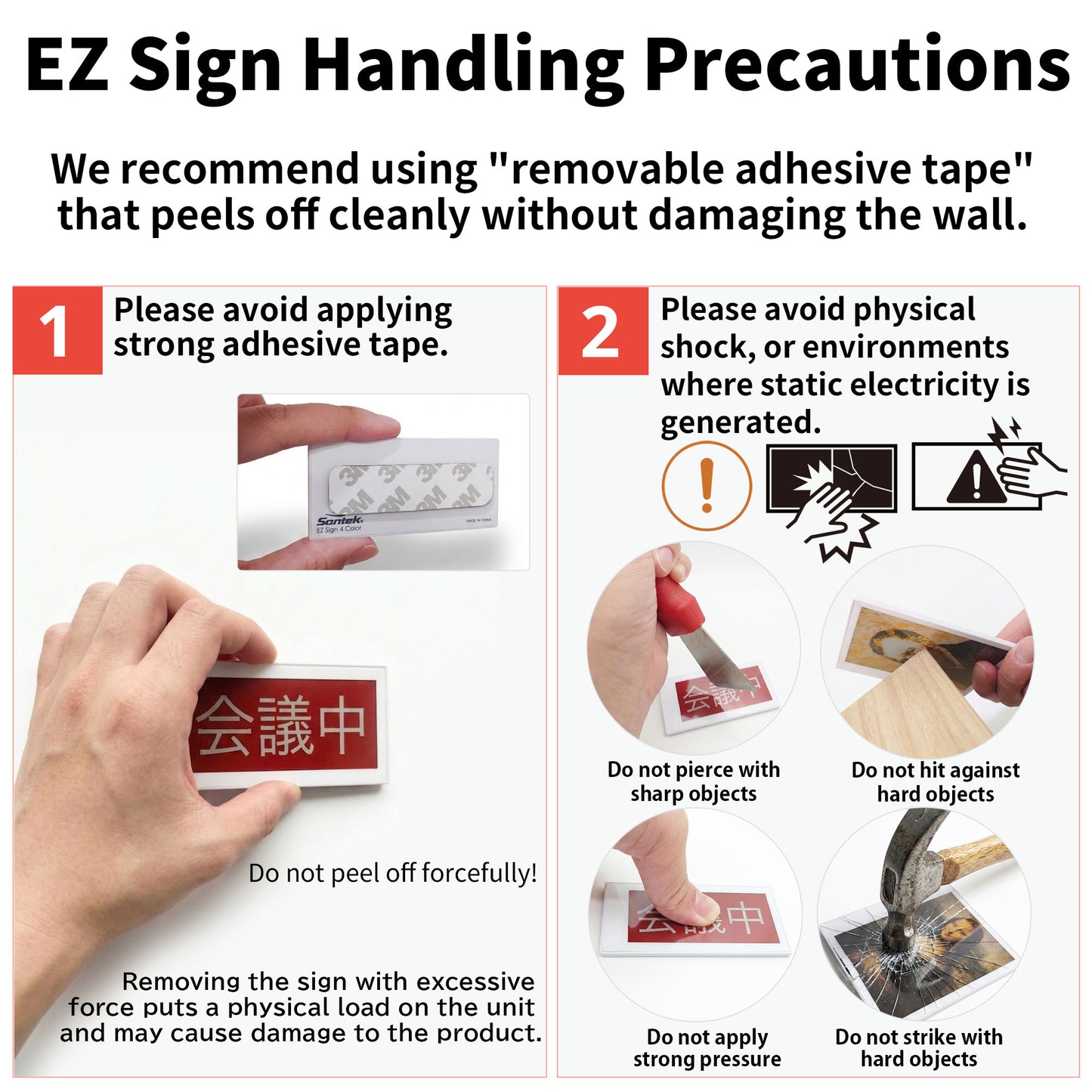
- Damage to the internal glass panel caused by drops, strong impacts, or excessive pressure
- Damage caused by static electricity, including damage resulting from dry environments or excessive friction
-
Water immersion or flooding
IP65 provides protection against dust and water jets, but EZ Sign is not designed for underwater use.