How to Choose Your EZ Sign — Color, Size & Package Options
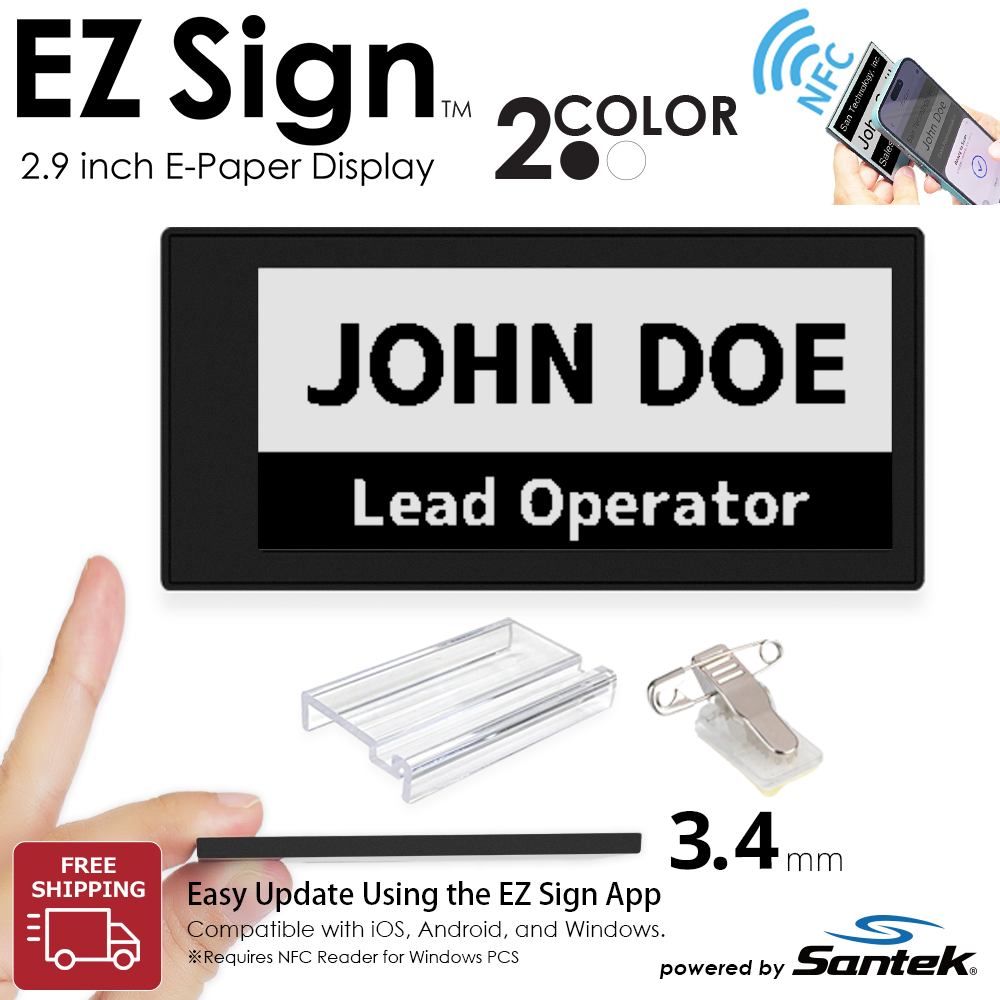
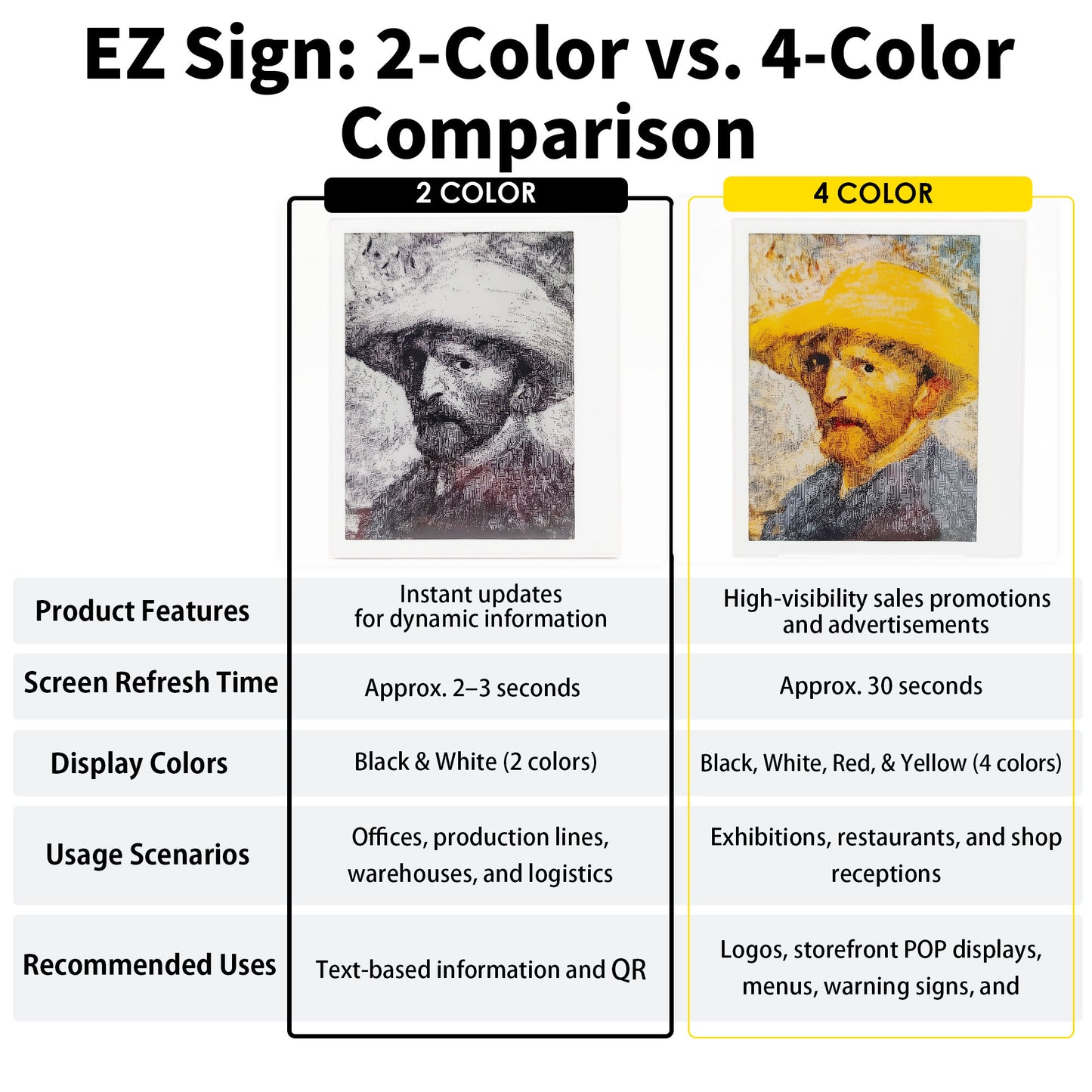
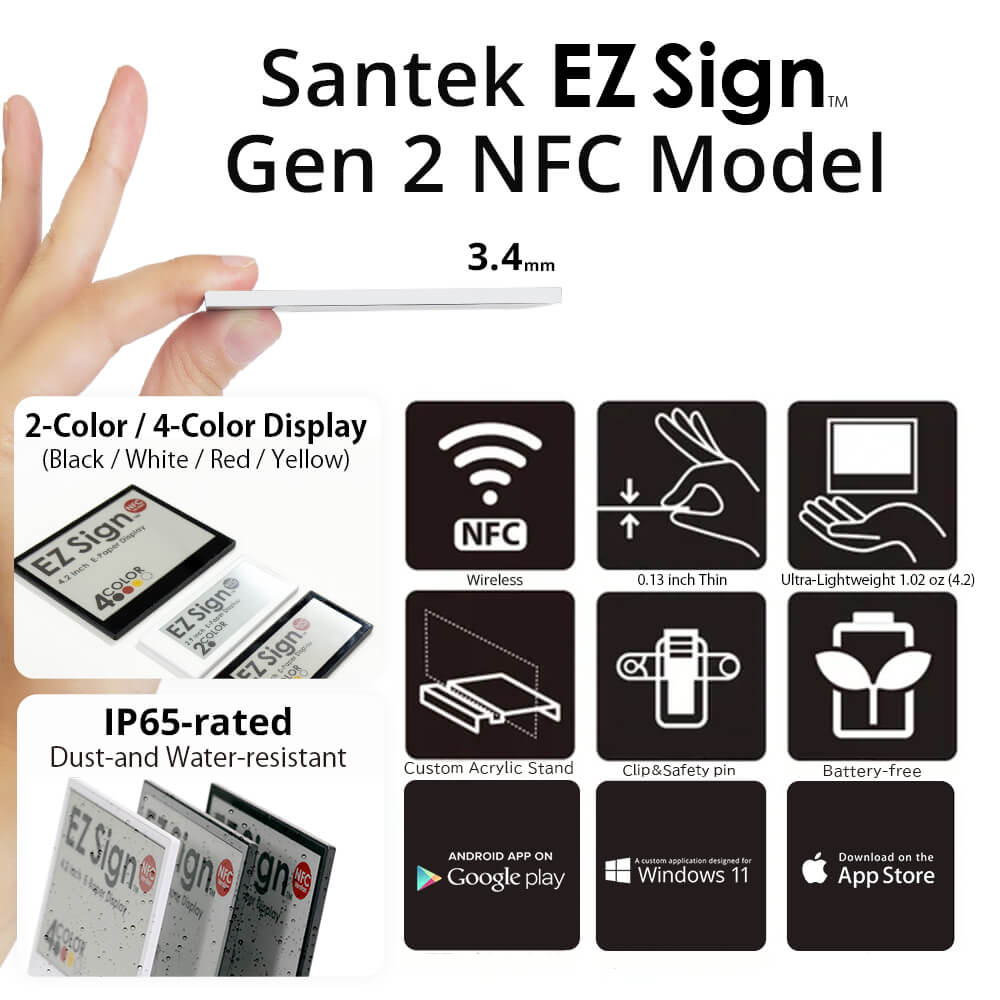
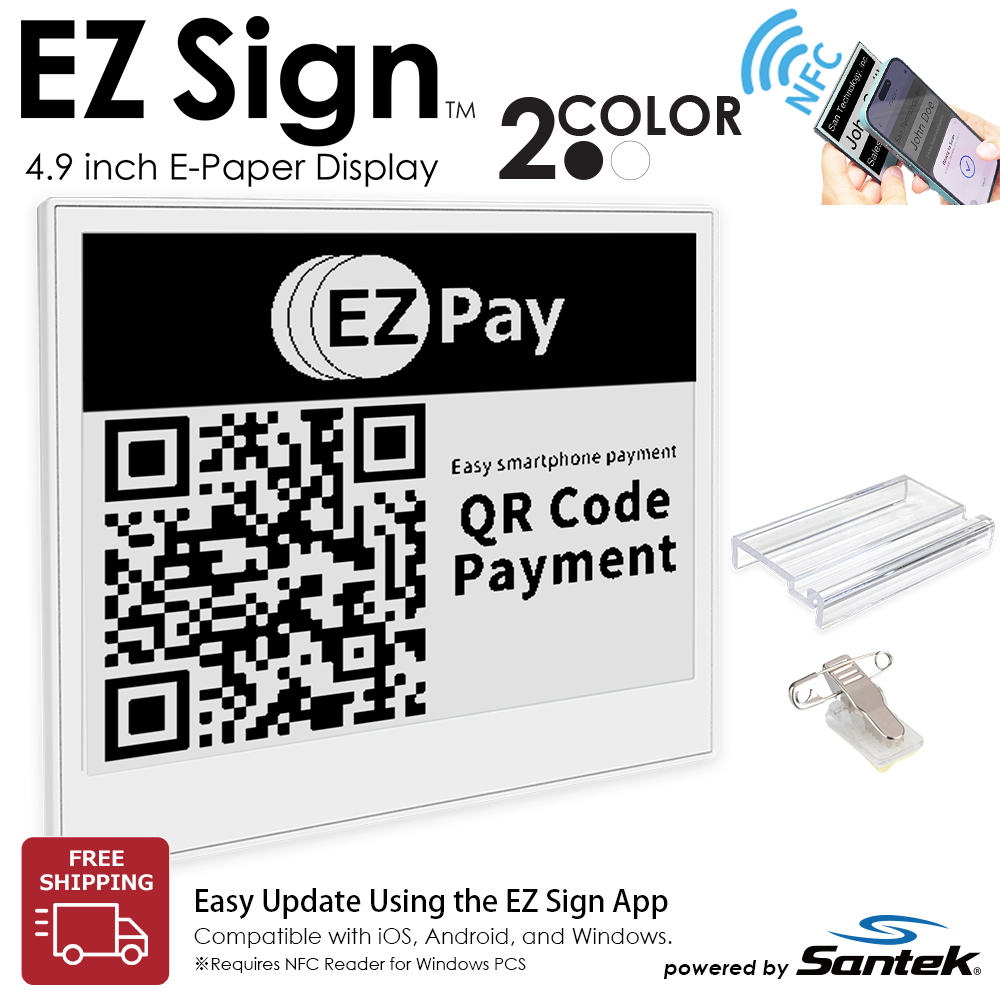
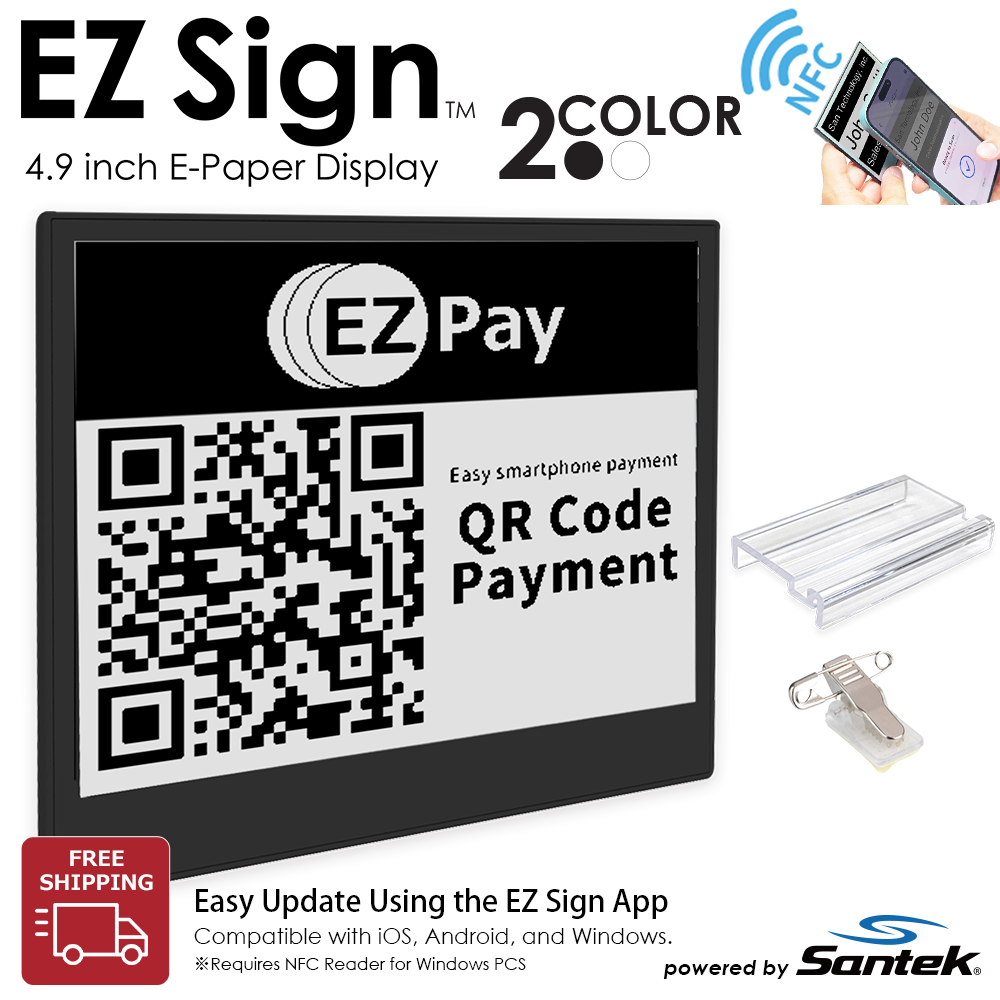
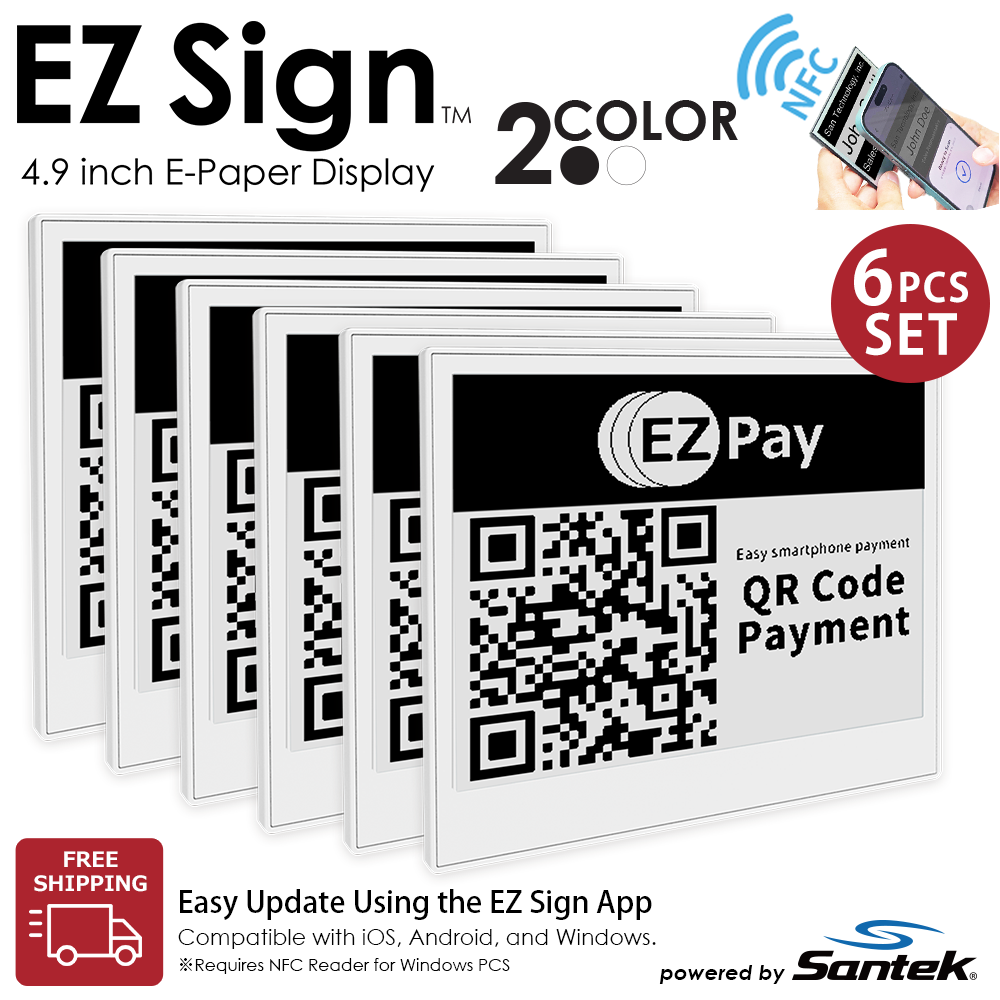
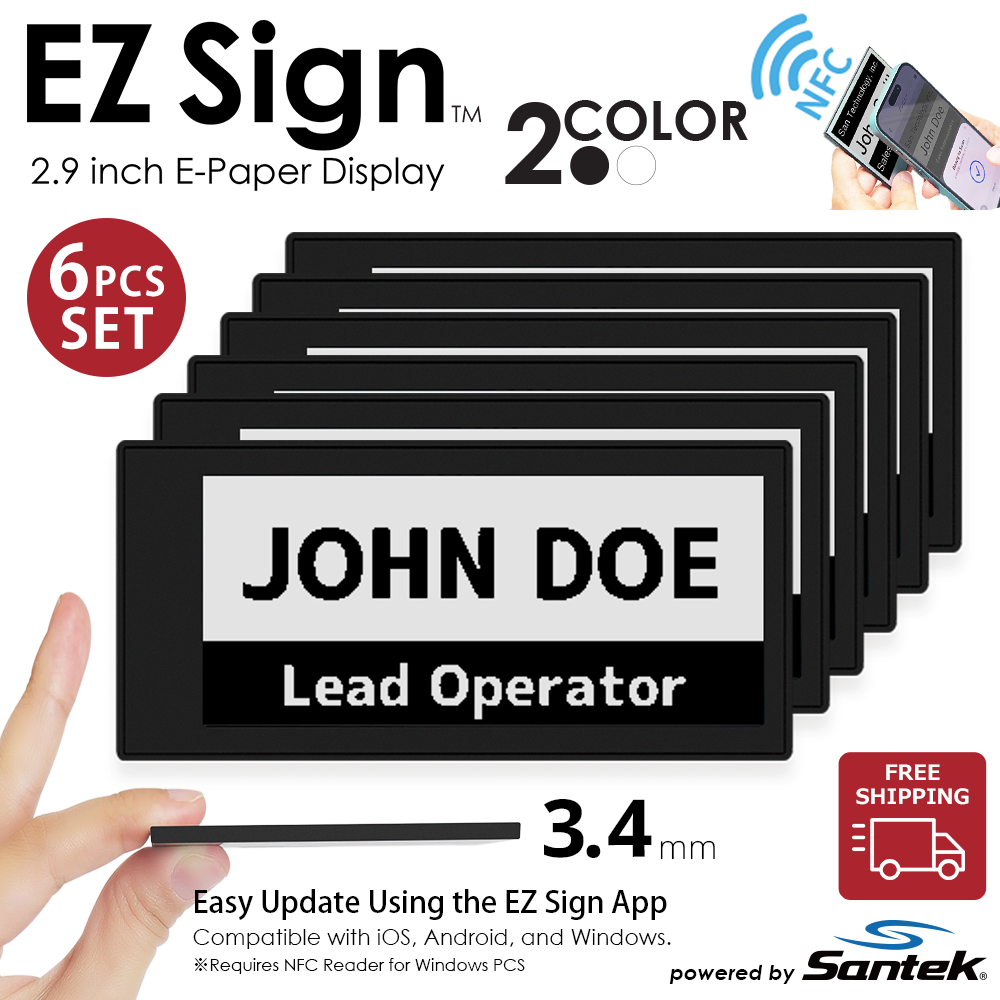
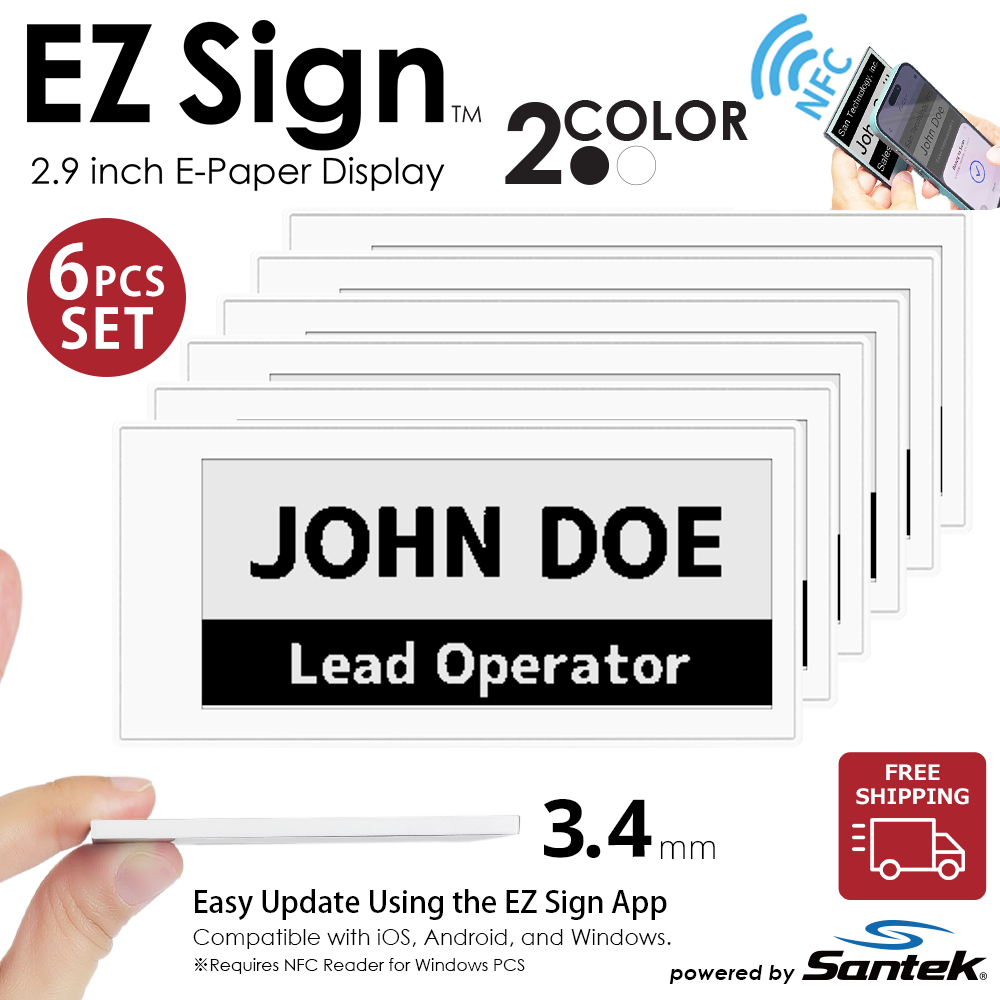
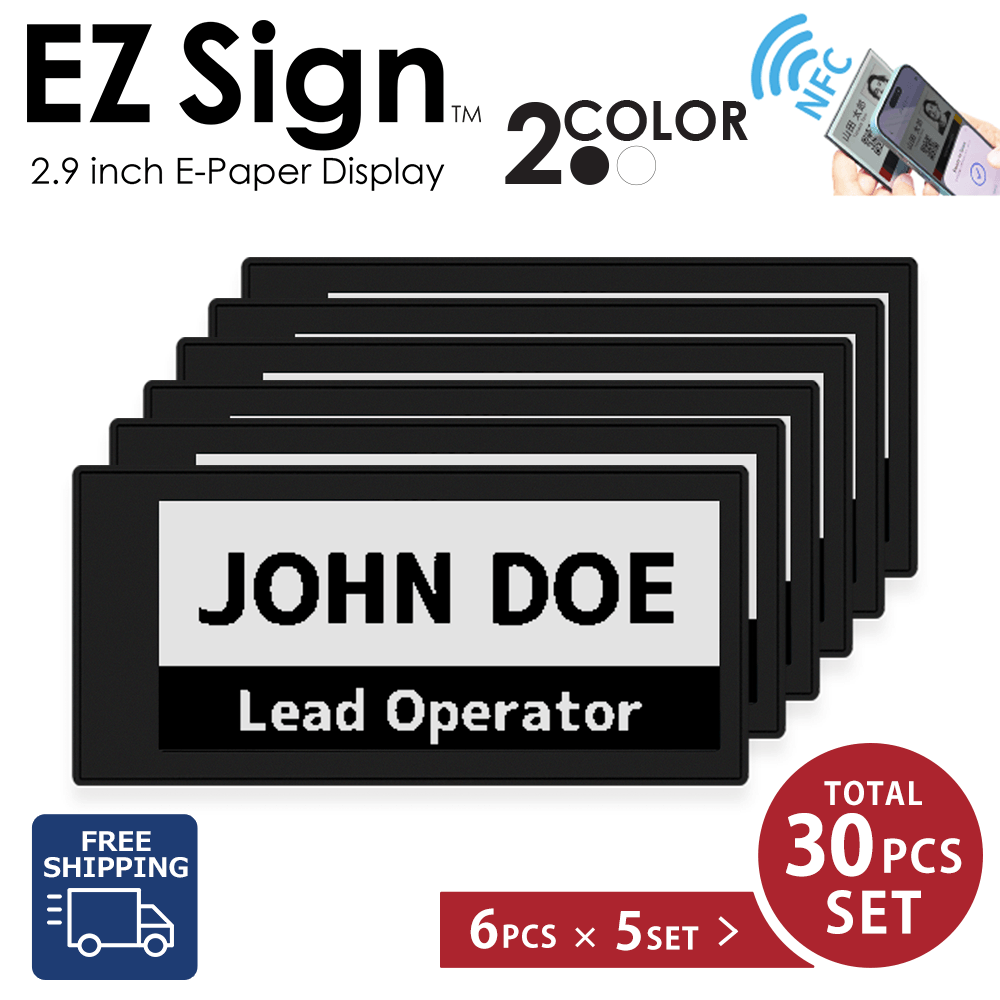
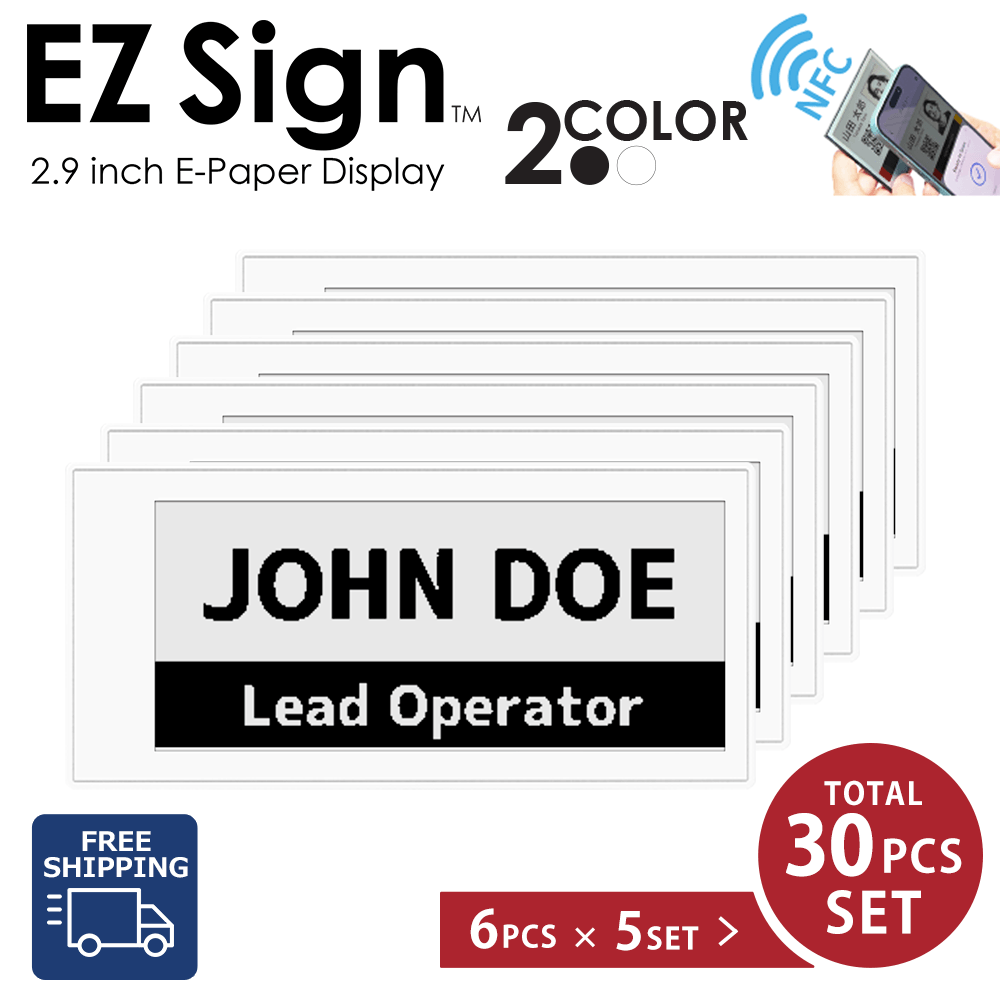
EZ Sign 2-Color models display information in black and white.
With an update time of approximately 2–3 seconds—around one-tenth
the time required by 4-Color models—they are ideal for applications
where information needs to be updated frequently.
⚡ When to Choose a 2-Color Model
2-Color models are designed for
fast updates and information-focused applications.
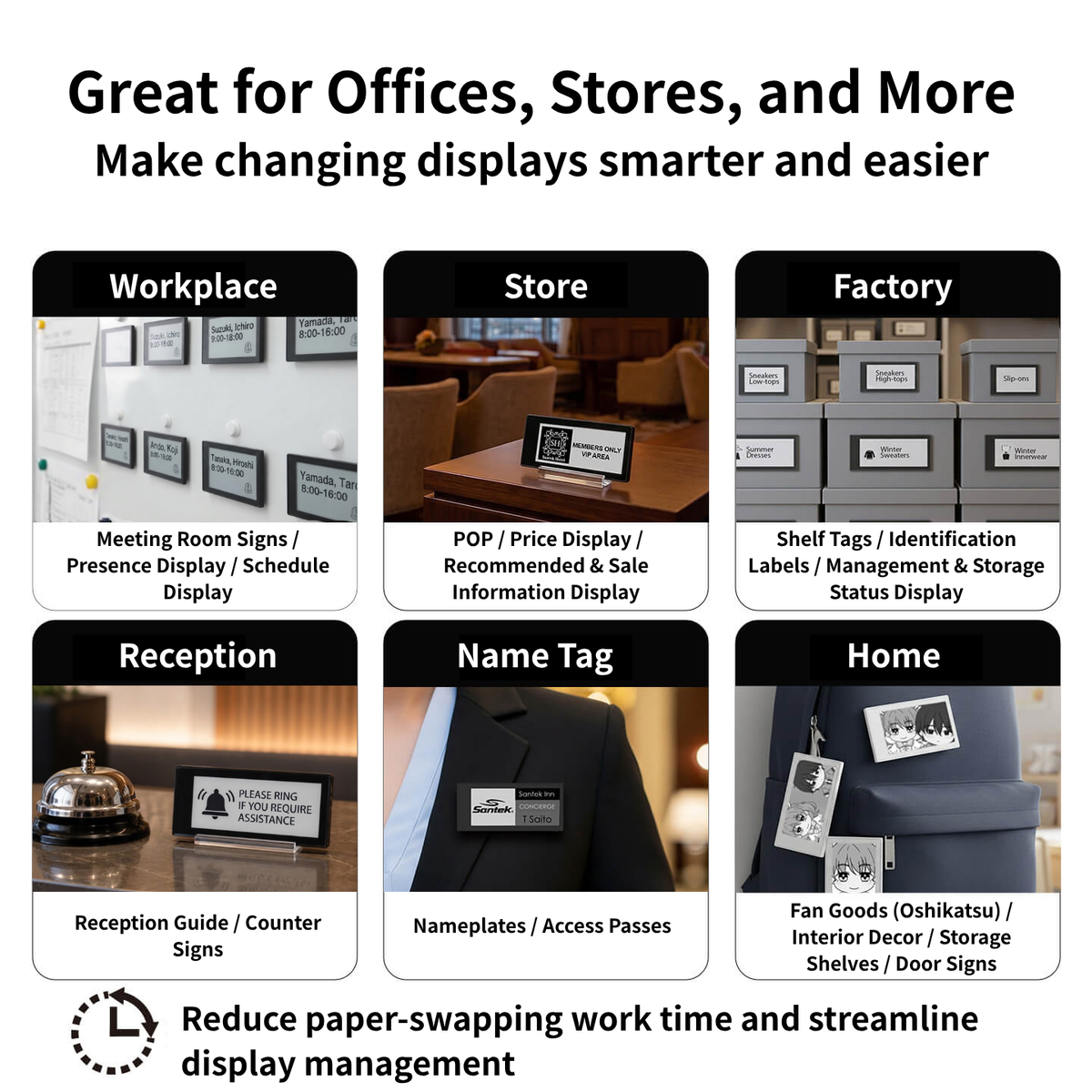
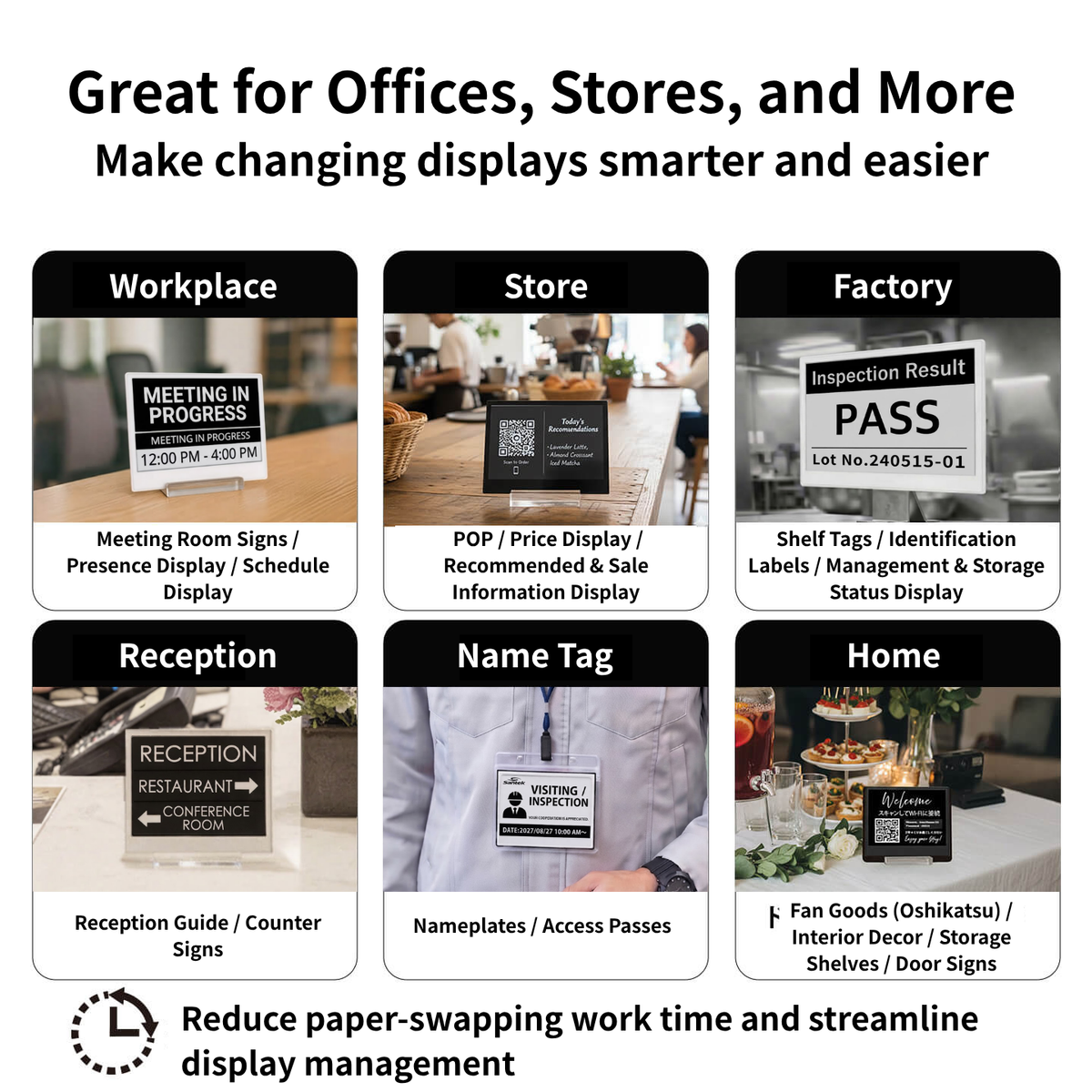
They are particularly well suited for:
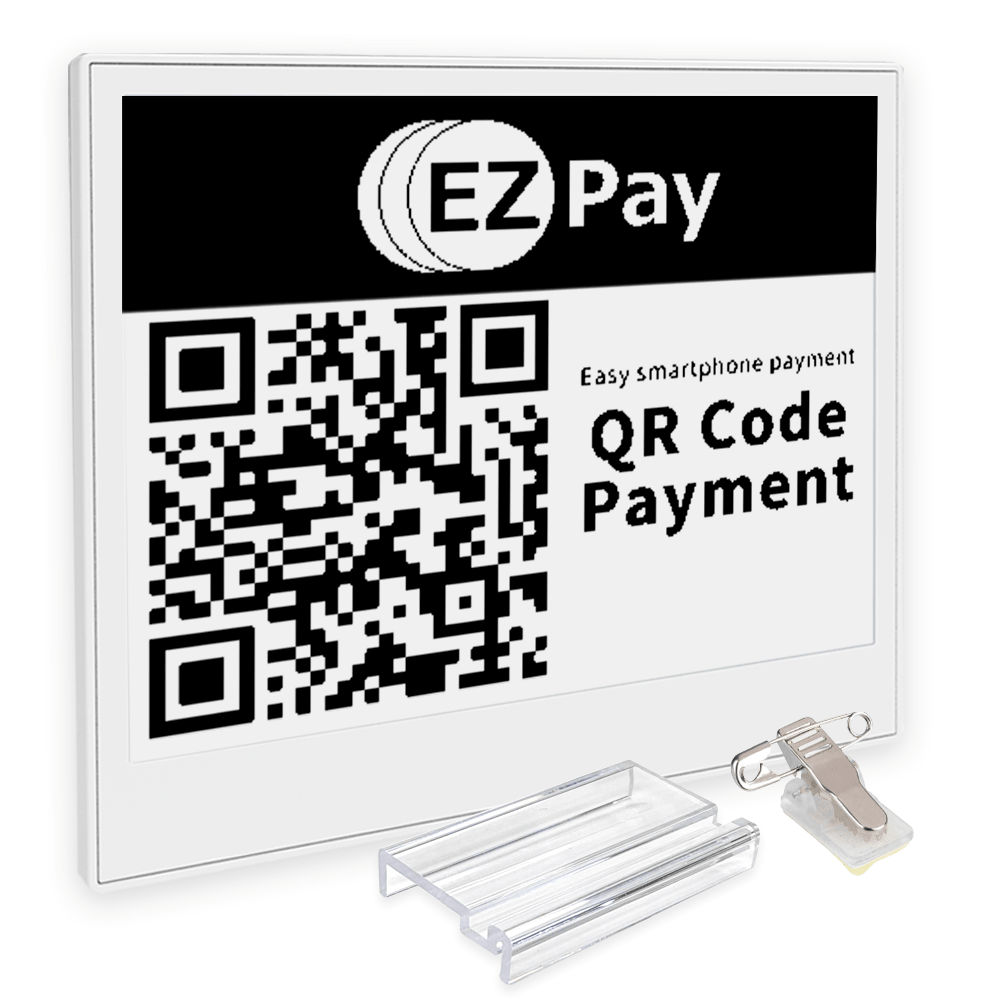
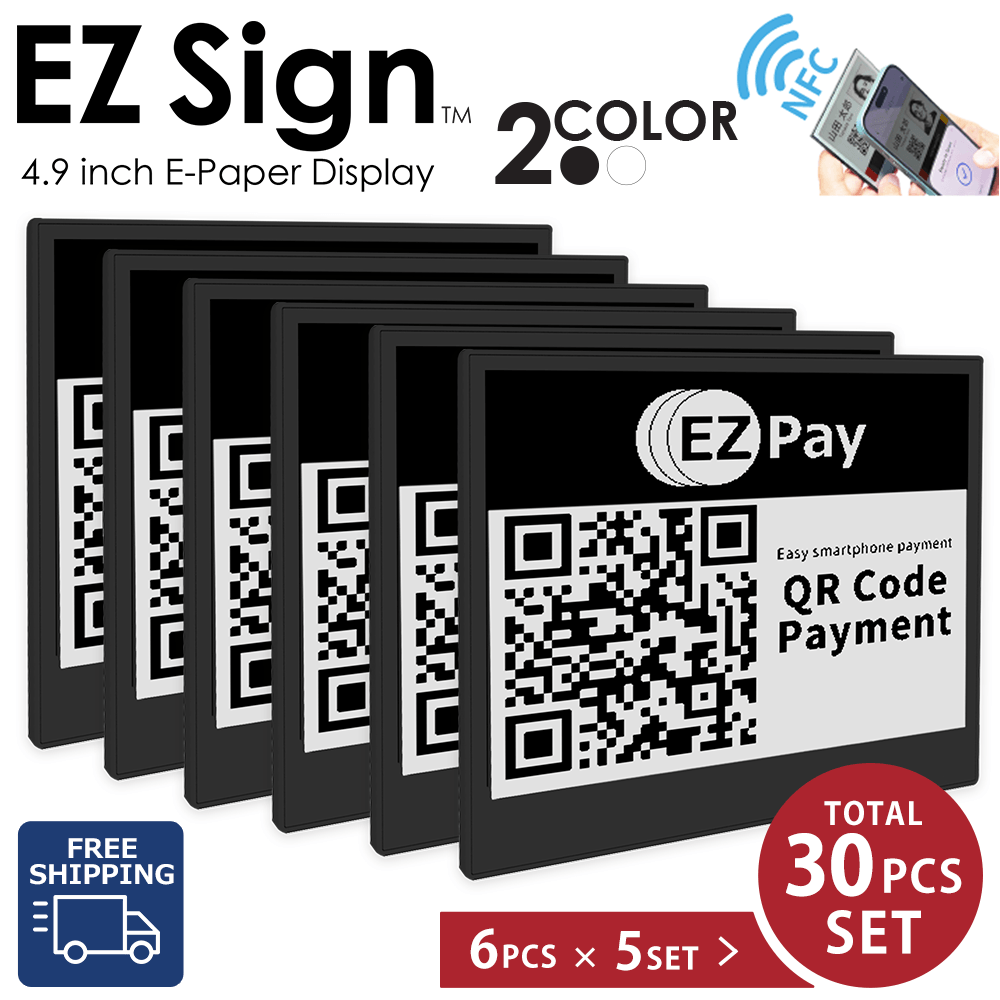
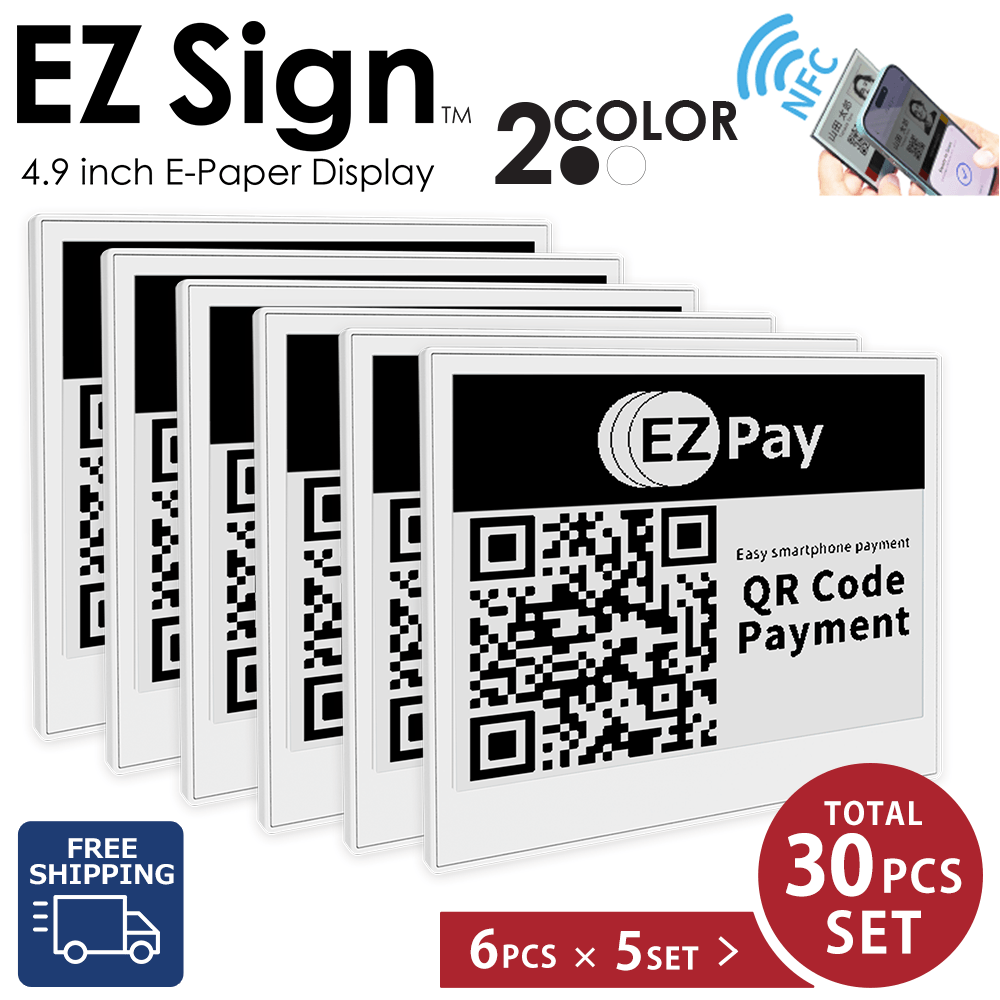
- QR codes and barcodes
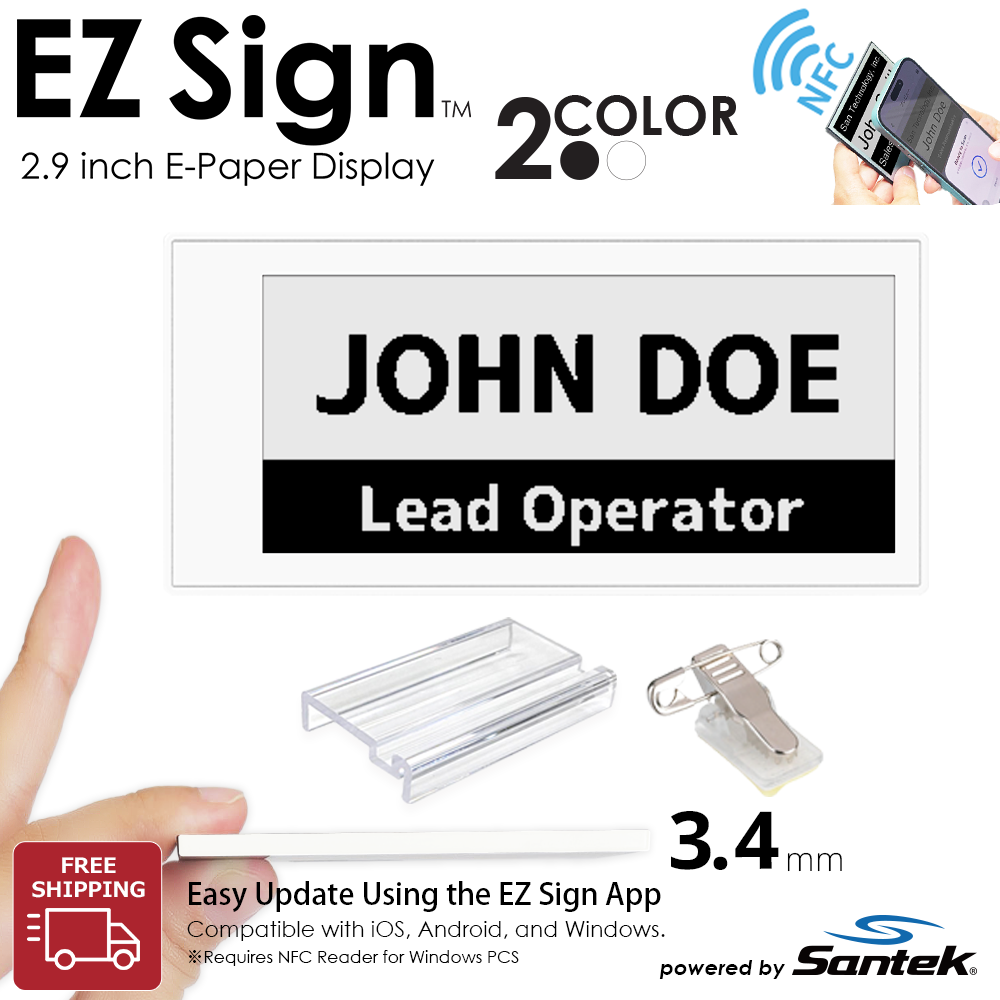
- Text-based information
- Inventory labels
- Process management in factories and warehouses
- Back-of-house operations
- Business and equipment labels
Choose a 2-Color model when
speed and practicality are your top priorities.
2-Color vs. 4-Color
|
Features
|
2-Color Model
Black & White
This Page
|
4-Color Model
Black, White, Red & Yellow
|
|
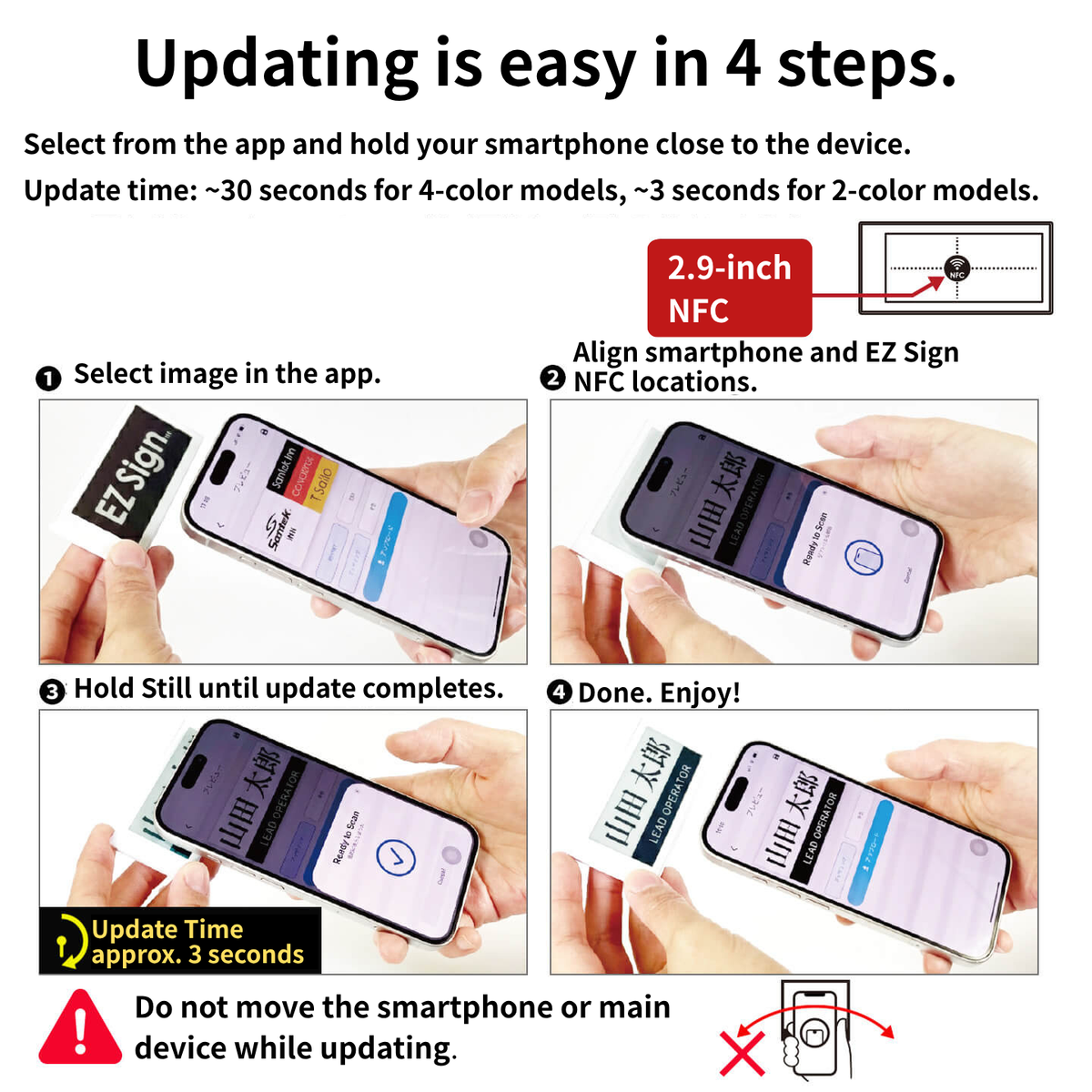
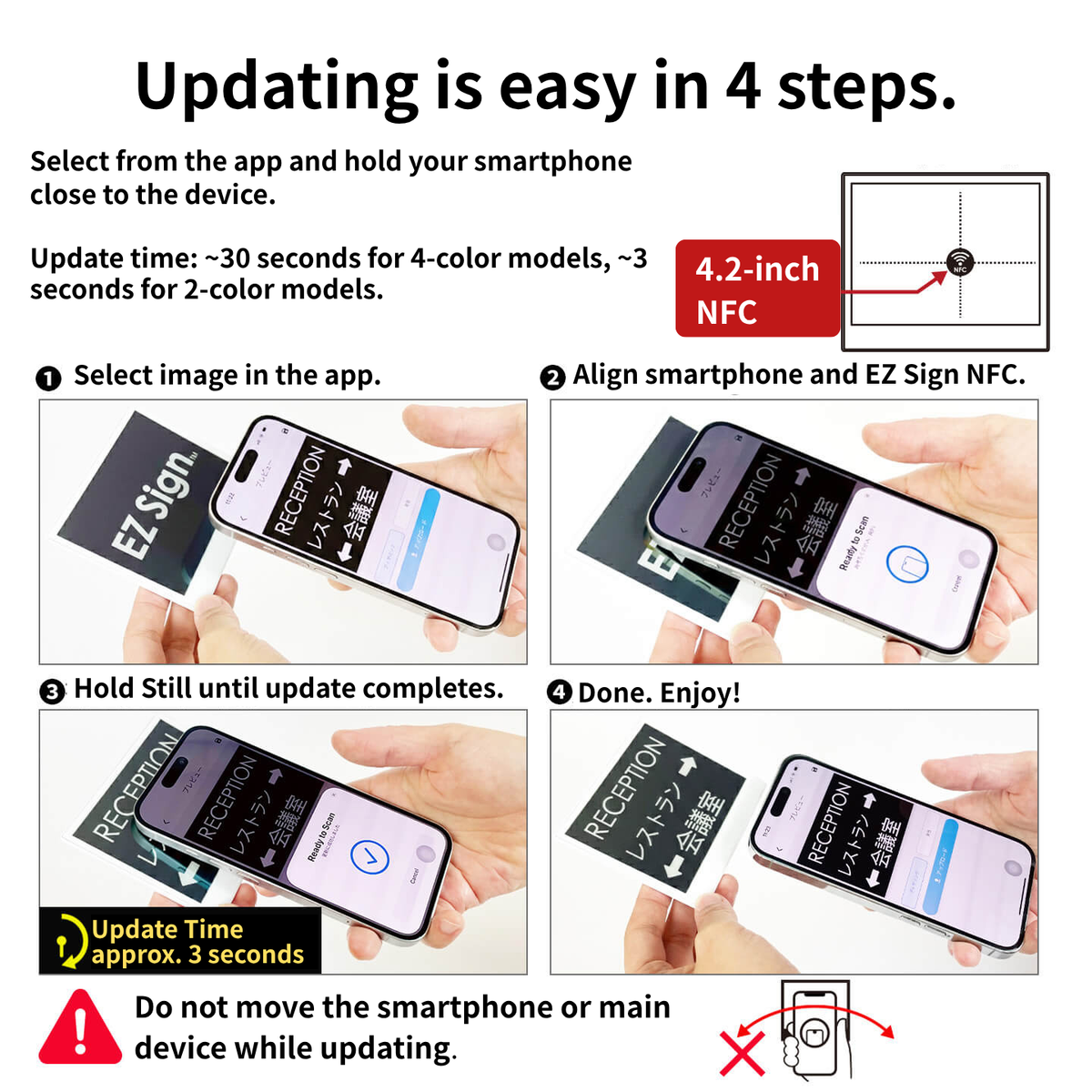
Update Time
|
Approx. 2–3 seconds
|
Approx. 30 seconds
|
|
Ideal For
|
QR codes, text, operational labels, frequent updates
|
POP displays, information signs, notices, reception signs
|
|
Key Strengths
|
Fast updates and information density
|
Visual impact and color-coded information
|
|
Recommended For
|
Factories, warehouses, back-of-house operations, and frequently changing information
|
Retail stores, offices, reception areas, and events
|
Choosing the Right Size
|
Features
|
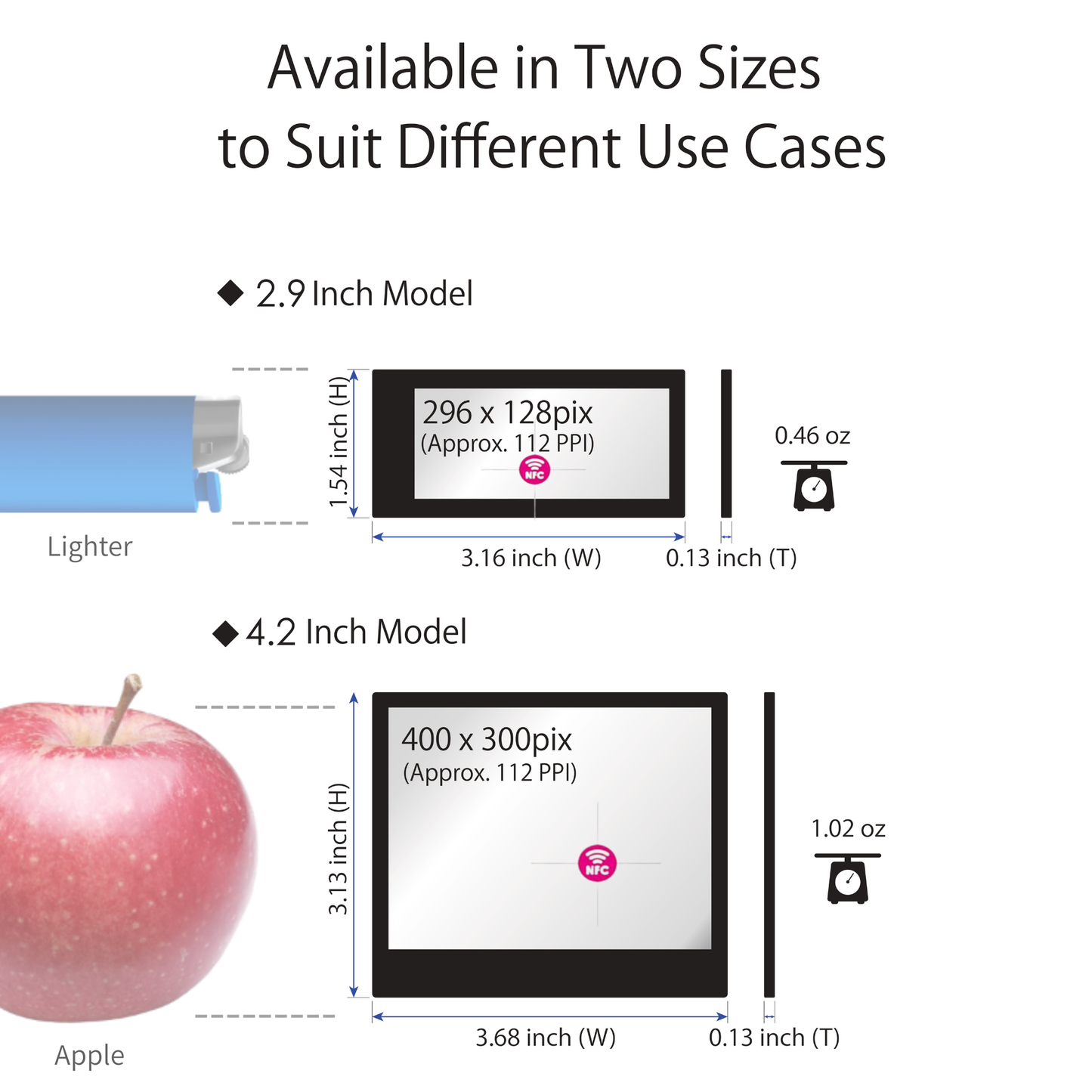
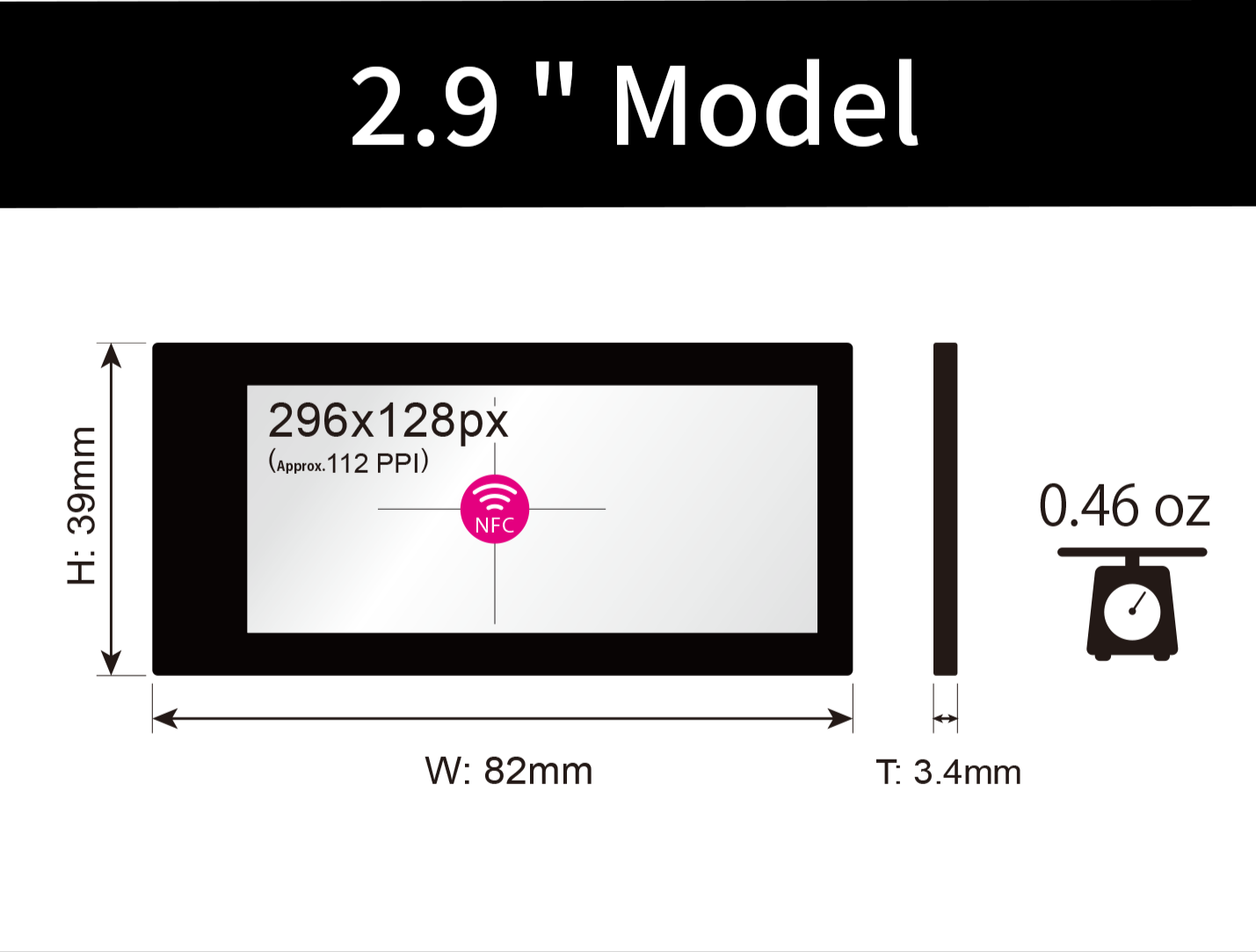
2.9-inch
|
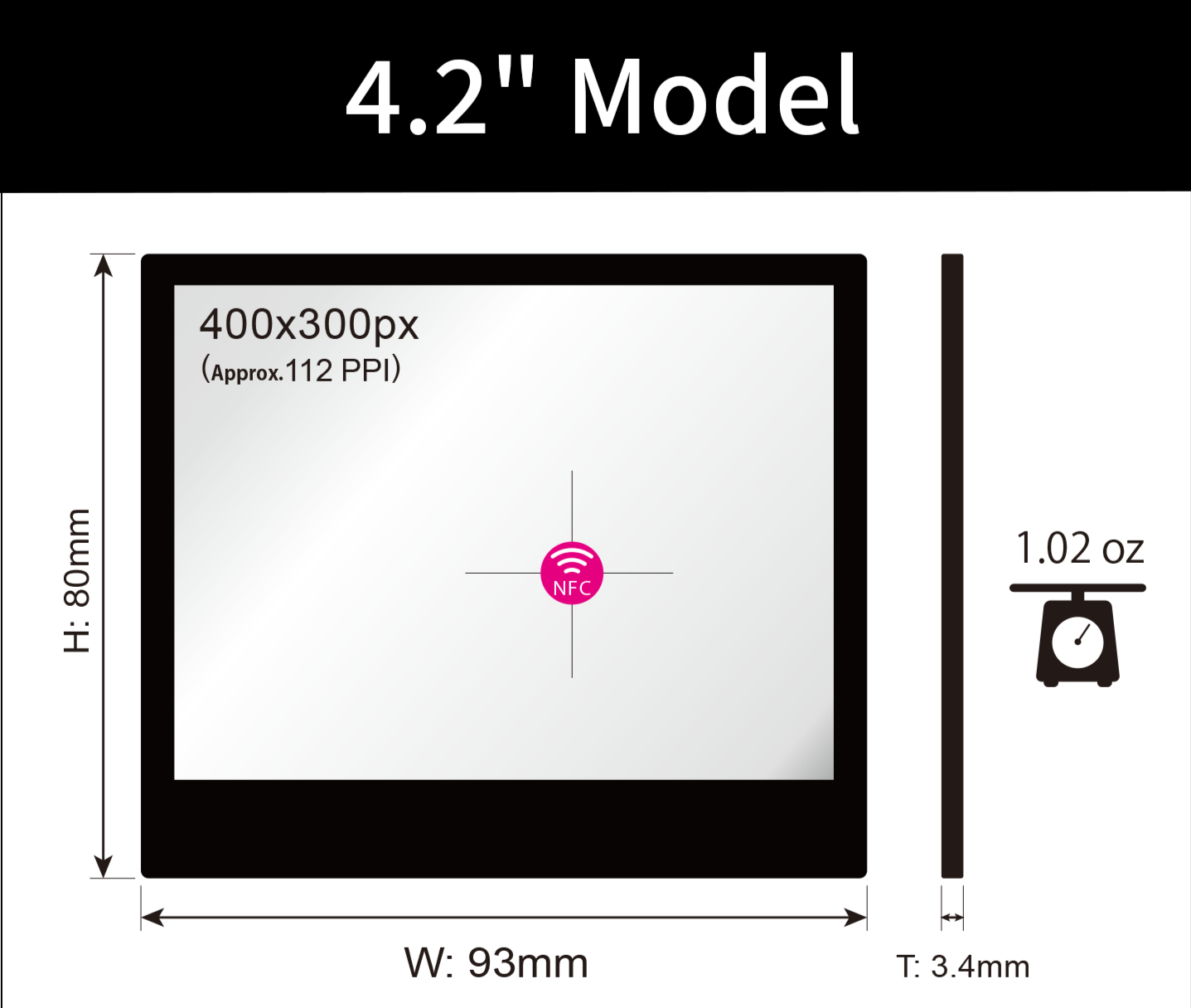
4.2-inch
Popular
|
|
Ideal For
|
Price tags, shelf labels, inventory labels
|
Tabletop signs, reception displays, POP displays
|
|
Key Feature
|
Compact and space-saving
|
Larger display area for easier-to-read information
|
|
Recommended For
|
Retail, warehouses, factories
|
Offices, reception areas, information displays
|
Choosing the Right Package
|
Features
|
1-Piece Package
Includes Accessories
|
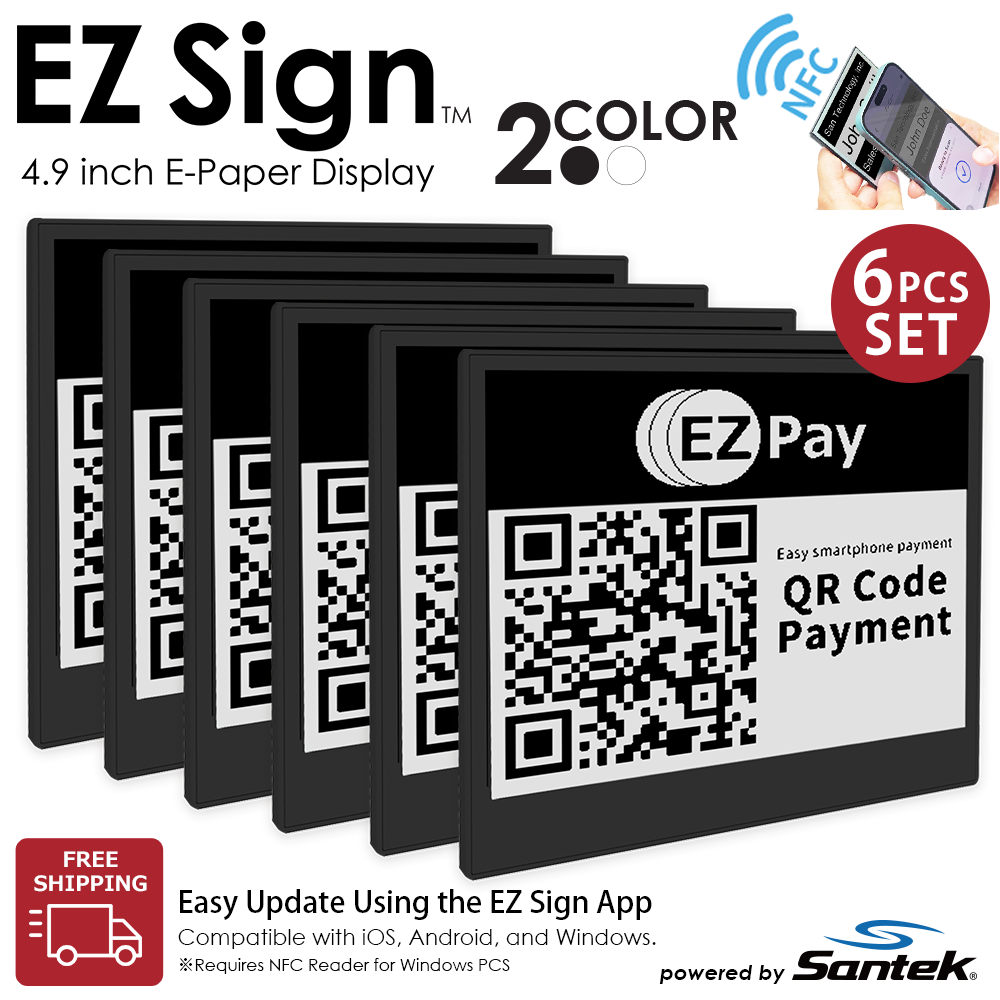
6-Piece Package
|
|
What's Included
|
1 × EZ Sign + 1 × Stand + 1 × Clip
|
6 × EZ Sign
No accessories included
|
|
Best For
|
Trying EZ Sign for the first time
|
Deploying multiple displays
|
|
Recommended Use
|
Personal use, testing, pilot projects
|
Factories, warehouses, facilities, and multi-location deployments
|
💡
Not sure which one to choose?
We recommend starting with the
4.2-inch / 1-piece package.
Its larger display area makes it easy to use for reception signs,
tabletop information, QR codes, and other general-purpose applications—
making it a great choice for first-time users.
🏢 For Businesses & Multi-Unit Deployments
We offer
volume quotations, samples, and use-case consultations
for business customers.
→ Business Inquiry
Factory & warehouse signs
Retail shelf displays
Office & meeting signs
Medical & facility displays
💳 Multiple Payment Options
Credit cards, Shop Pay, PayPal, Google Pay, and more.
📦 Initial Defect Warranty
If your product arrives with a manufacturing defect,
we will review the issue and provide appropriate support.
🏭 Buy Direct from the Manufacturer
Purchase EZ Sign directly from the manufacturer at our official pricing.
📰 Featured in Media & Social Media
YouTube
Instagram
Blogs & Review Sites
For a complete list of media features, please visit the
EZ Sign Official Website
.