In this series, we introduce real-life examples of how EZ Sign being used by people in numerous settings.
On the Table at a Comic Event
A comic event table can quickly become filled with different books, merchandise, and other items.
For visitors, being able to understand what is being sold and how much each item costs is an important part of browsing the table.
This is where some creators have found a place for EZ Sign.
Instead of preparing a new paper sign for every piece of information, EZ Sign can be placed directly on the table and updated whenever the displayed information needs to change.
Displaying Prices Across a Busy Table

瑠 様 (@multitask_ryu / X) uses one EZ Sign for each item's price.
By using the same design across multiple displays, the prices are easier to identify even when the table is busy.
This is one simple way to replace traditional paper or card price displays while keeping the information easy to find.

Organizing New Releases, Previous Releases, and Merchandise


EZ Sign can also help separate different categories of items displayed on the same table.
かのぺ 様 (@kn_oekaki / X) uses separate displays for new releases, previous releases, and merchandise.

It's another example of how creators can find their own ways to incorporate EZ Sign into their event setup.
Updating Information as the Event Changes

Some creators have many items on their tables, with one price display for each item.
すながわひろゆき 様 (@sunagawahiroyuk / X) uses EZ Sign to display the price of each item.
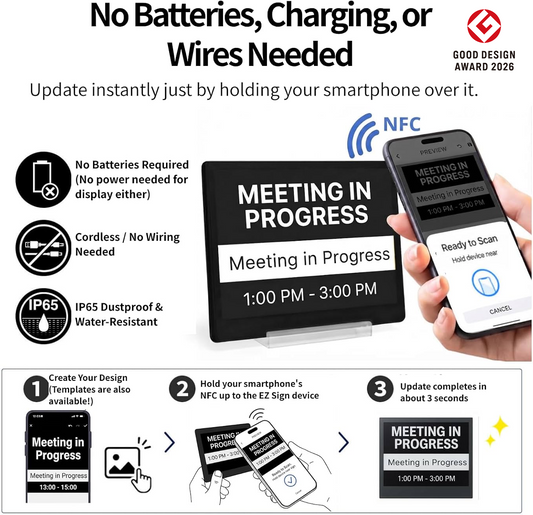
Because the display can be rewritten, the information can also be changed on the spot as the sales situation changes.
This can be useful when there are many items on display and the information at the table needs to change during the event.
It means that creators can adjust the information they show without having to prepare an entirely new paper sign each time.
Using Color and QR Codes to Share Information

EZ Sign can also be used for information beyond simple price displays.
The 4-color model can help distinguish information such as limited or recommended items through color.
みちログ 様 (@GadgetMitchy / X) uses the 4-color model to distinguish this kind of information.

Another example comes from 葵戸 様 (@ubundroid / X).
EZ Sign can be used to display unexpected same-day information, such as a reminder that you forgot to bring change.
The 4.2-inch model can also fit into the coin slot of a change machine.

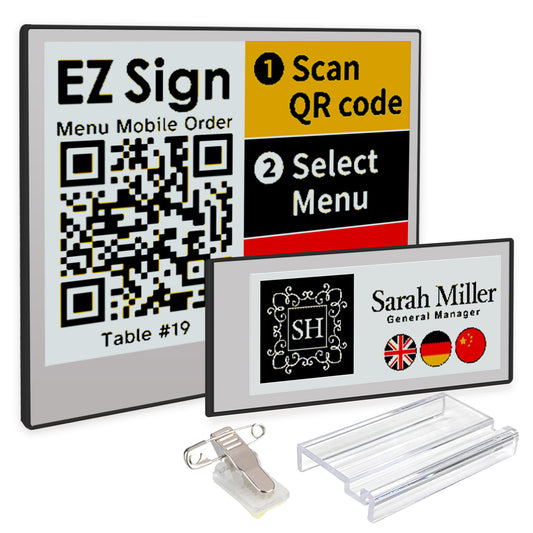
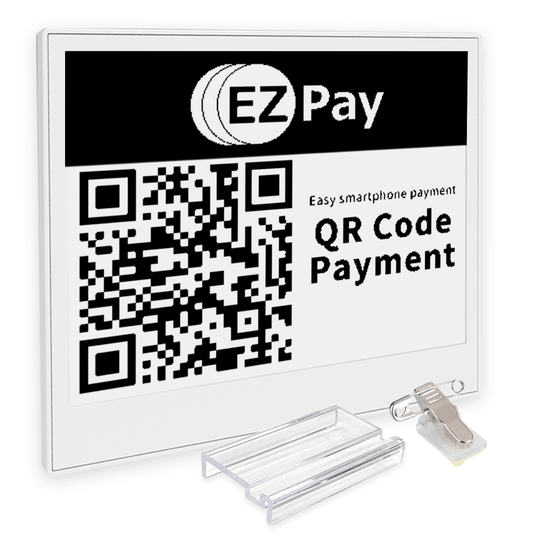
And for creators who want to help visitors find them online, Jackie/ノート旅 様 (@Jackie_notetabi / X) uses EZ Sign to display an account name together with a QR code.
These examples show that EZ Sign can be used for much more than displaying a price. Each creator can adapt the display to fit their own table and the information they want visitors to see.
Tips for Using EZ Sign at a Comic Event
Share Your EZ Sign Setup
Are you using EZ Sign in your own way at an event, store, workplace, or somewhere else?
We'd love to see how you're using it.
On X, mention @santek_shop or use #EZSign.
On Instagram, mention @ezsign_santek.official or use #EZSign in your feed post or Reel.
If we'd like to feature your post on our official account, we'll contact you individually to confirm permission before publishing it.
Please note that private accounts cannot be featured by the official account.